Create a Stunning Resume in 30 Seconds (No Template Needed)
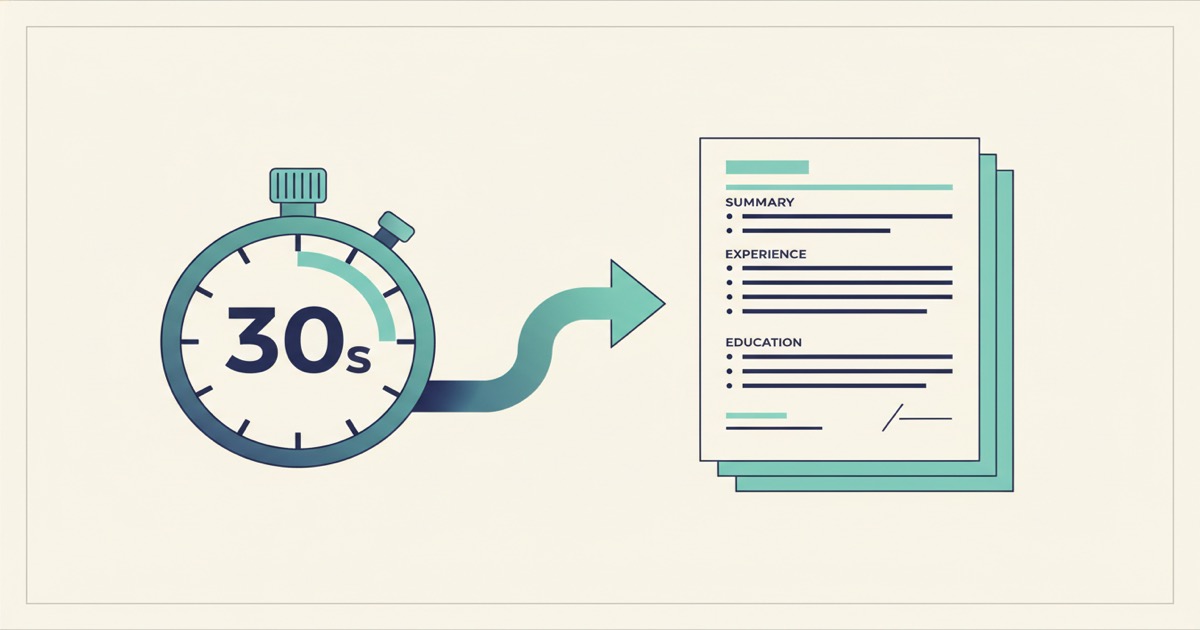
Describe your background, get a professionally designed resume PDF in 30 seconds. No template selection, no formatting. Free tier includes 25 pages/month.
You've been there. It's 11 PM, you just found a job listing that closes tomorrow, and you're staring at a blank Word document trying to decide between two-column and single-column layouts. Or worse, you're 40 minutes deep into a resume builder that keeps nudging you toward a "premium" template for $14.99.
I've watched friends lose entire evenings to this. The actual content, your experience and skills, takes 15 minutes to write. The formatting takes three hours. Something about that ratio has always felt broken.
So we built a faster way. Describe your background, paste the job description if you have one, and get a polished, professionally designed resume PDF in about 30 seconds. No template selection. No dragging text boxes around. No fighting with margins.
Key Takeaways
- Describe your background in plain text and get a designed resume PDF in 30 seconds
- No template selection, formatting, or design skills required
- Works for cover letters and portfolios too, not just resumes
- Free tier includes 25 pages/month with no credit card needed
Why Do Most Resume Builders Waste Your Time?
According to a Jobvite Recruiter Nation Survey (2024), recruiters spend an average of 7 seconds scanning a resume before deciding to read further. Seven seconds. Yet the average job seeker spends 3-4 hours formatting a single resume, based on data from TopResume (2023).
That's a painful mismatch. You're spending hours agonizing over font choices and section spacing for a document someone will glance at for less time than it takes to read this paragraph.
Traditional resume builders contribute to this problem rather than solving it. They give you a grid of 50 templates and ask you to pick. You choose one, start filling in fields, and realize the layout doesn't quite fit your experience. So you try another. Then another.
The tool that was supposed to save you time becomes another source of friction.
The Real Problem Isn't Your Content
Here's what I've noticed after watching hundreds of people create documents with our AI Builder. The bottleneck is never the content. People know what they've done. They know their skills, their job titles, their accomplishments.
The bottleneck is always presentation. Which sections go first? How do I handle a career gap? Should I use a skills sidebar or a horizontal skills bar? Should my education go above or below my experience?
In our internal testing, users who typed a plain-text description of their background generated a more complete resume than users who filled in structured form fields. The unstructured approach let people include context that form fields don't have room for, like why they switched industries or what a project actually accomplished.
What Does the AI Actually Produce?
The output isn't a wall of plain text dropped into a PDF. According to Eye-Tracking Research by Ladders Inc. (2018), resumes with clear visual hierarchies, distinct section headers, and consistent formatting receive 60% more recruiter attention than dense, unformatted ones.
Our AI designs the full layout from scratch. Clean typography, balanced whitespace, logical section ordering, and visual hierarchy that guides the reader's eye. It looks like you hired a designer, not like you picked template number 37 from a dropdown.
Let me walk through a concrete example.
A Software Engineer Resume, Start to Finish
Say you're a mid-level software engineer applying for a senior role at a fintech company. Here's what you might type into EZdoc's AI Builder:
Example prompt:
"Resume for a software engineer with 5 years of experience. Currently a mid-level engineer at a healthcare SaaS company called MedFlow. Built their real-time patient dashboard used by 200+ hospitals. Led migration from monolithic Rails app to microservices, reducing deploy times by 70%. Previous role was at a small startup called DataPulse where I built their ETL pipeline from scratch. BS in Computer Science from University of Michigan, 2019. Skills: Ruby, Python, TypeScript, React, PostgreSQL, AWS, Docker, Kubernetes. Applying for a senior engineer role at a fintech company. Clean, modern design with a subtle accent color."
That's it. You don't choose a template. You don't pick fonts. You don't drag anything.
I've generated dozens of resumes this way while testing the AI Builder, and the thing that surprised me most was how well it handles the judgment calls. It puts the work experience first because that's what matters for a mid-career engineer. It leads each role with quantified impact, not job duties. It groups technical skills by category instead of dumping them in a comma-separated list.
About 30 seconds later, you have a PDF that's ready to submit. Professional typography, logical flow, and a design that doesn't look like it came from a free template site.
What About Different Career Stages?
The same approach works whether you're fresh out of school or 20 years into your career. A recent graduate might type something like:
"Entry-level marketing resume. BA in Communications from Boston University, May 2025. Interned at a digital agency where I managed social media for 3 clients and grew one account from 2,000 to 11,000 followers in 4 months. Vice president of the university marketing club. Proficient in Canva, Google Analytics, HubSpot, and Mailchimp. Looking for a content marketing role."
The AI recognizes this is an entry-level candidate and adjusts accordingly. Education moves up. The internship gets prominent placement. Skills are front and center because there's less work history to showcase.
But what if formatting were the least of your worries?
Can You Create Cover Letters and Portfolios Too?
Yes. According to Robert Half's research (2023), 87% of hiring managers still read cover letters when they're included. A tailored cover letter can be the difference between your resume getting read and getting skipped.
EZdoc's AI Builder handles 120+ document types. After you've generated your resume, you can create a matching cover letter with a prompt like:
"Cover letter for a senior software engineer position at FinanceFlow. Reference my experience building real-time dashboards at MedFlow and my microservices migration work. Tone should be confident but not arrogant. One page."
You can also generate a portfolio document, a project case study, or even a personal brand one-pager. They're all just descriptions. The AI handles the design.
Most people think of resumes, cover letters, and portfolios as separate design tasks requiring separate tools. But they're really three views of the same story. When you describe your background once in plain text, the AI can reshape that story into whatever format the situation calls for, and it keeps the narrative consistent across all of them.
How Is This Different from Other AI Resume Tools?
According to Gartner's emerging tech research (2024), over 80% of enterprises will use generative AI APIs by 2026. The resume space is flooded with AI tools now. So what's different here?
Most AI resume makers still follow the old model. They ask you to fill in structured fields, then run your bullet points through an LLM to "improve" the language. The output is your same content with fancier phrasing, dropped into a pre-built template.
That solves the wrong problem. Your bullet points were probably fine. The issue was the three hours you spent choosing a layout and fighting with margins.
EZdoc skips the form fields entirely. You write (or paste) a natural description of your background, and the AI makes every design decision: layout, typography, color, section order, visual hierarchy. It's closer to hiring a designer than using a template builder.
No Account Lock-In
Your resume is a PDF. Download it, email it, upload it to LinkedIn or a job board. There's no watermark, no "upgrade to download" prompt, no proprietary file format. It's yours.
FAQ
Does the free tier include resume generation?
Yes. The free tier gives you 25 pages per month with no credit card required. A one-page resume counts as one page. You could generate 25 different versions of your resume, or a mix of resumes, cover letters, and other documents, at no cost. Sign up here to try it.
Can I edit the resume after it's generated?
You can use the "Refine" feature to make changes with natural language. Say something like "move education below experience" or "add a project section with my open source contributions" and the AI will regenerate with those changes. No manual editing or formatting required.
What if I want a very specific layout or style?
Be specific in your prompt. Mention things like "two-column layout with a dark sidebar," "minimalist with lots of whitespace," or "ATS-friendly single column with no graphics." The more detail you provide, the closer the output matches your vision.
Will this work for non-tech roles?
Absolutely. The AI handles resumes for any field: nursing, teaching, sales, finance, creative roles, trades, management. Describe your experience and the type of role you're targeting. The AI adjusts the design and emphasis accordingly.
Do recruiters care about resume design?
They do. Eye-tracking research by Ladders Inc. (2018) showed that well-structured resumes with clear visual hierarchy received significantly more attention from recruiters. A clean, professional design signals that you take the opportunity seriously.
Stop Formatting. Start Applying.
You already know what you've accomplished. You shouldn't need to spend an evening proving you can also operate a page layout tool.
Here's what I'd suggest: go to EZdoc's signup page, create a free account (no credit card, takes 30 seconds), and try generating a resume with a plain-text description of your background. If the result isn't better than what you'd build manually in an hour, you've lost nothing but 30 seconds.
The free tier includes 25 pages per month. That's enough to generate your resume, a cover letter, and still have pages left for other documents. Paid plans start at $19/mo if you need more volume.
Your time is better spent researching companies, practicing interviews, and writing thoughtful applications. Let the AI handle the formatting.
- Jason