How a 45-Minute Template Disaster Led Us to Build an AI Document Designer
I spent 45 minutes making a single DOCX template and realized nobody would ever do this. So I trained an AI to do it instead. Here's what happened.
I need to tell you about the moment that changed everything about this company.
When I started EZdoc, the pitch was simple: you have a Word template with placeholders, you upload a CSV with your data, and we merge them into hundreds of personalized PDFs. Invoices, contracts, certificates — whatever you need, at scale.
The assumption was that people would already have templates. And if they didn't? "It's easy enough to make one in Word or Google Docs," I told myself.
Then I tried to make one.
45 minutes for a single template
I sat down to create a professional invoice template in Word. I know this product inside and out. I know where to put the placeholders, how to format the tables, what makes a good layout. I'm not a designer, but I'm not clueless either.
It took me 45 minutes. And it looked... fine. Not great. Fine.
I adjusted margins. I fought with table borders. I tried three different fonts before giving up and going back to the first one. I spent ten minutes trying to get my logo to sit next to the company name without everything shifting. The final result was the kind of document you send because you have to, not because you're proud of it.
That's when it hit me: nobody is going to do this.
Not a freelancer sending invoices between client calls. Not a teacher making certificates after school. Not a small business owner who needs a proposal by tomorrow morning. The only people making polished Word templates are people at big companies with dedicated time and design resources. Everyone else is stuck with whatever default template Word gives them.
The template library was supposed to fix this
My first solution was obvious: build a library of professionally designed templates so users wouldn't have to create their own. If people won't make templates, we'll make them instead.
So I started generating templates. Not by hand — I'd learned that lesson. I set up an AI agent to design them. I gave it our design system, our CSS rules, our font library, and let it loose.
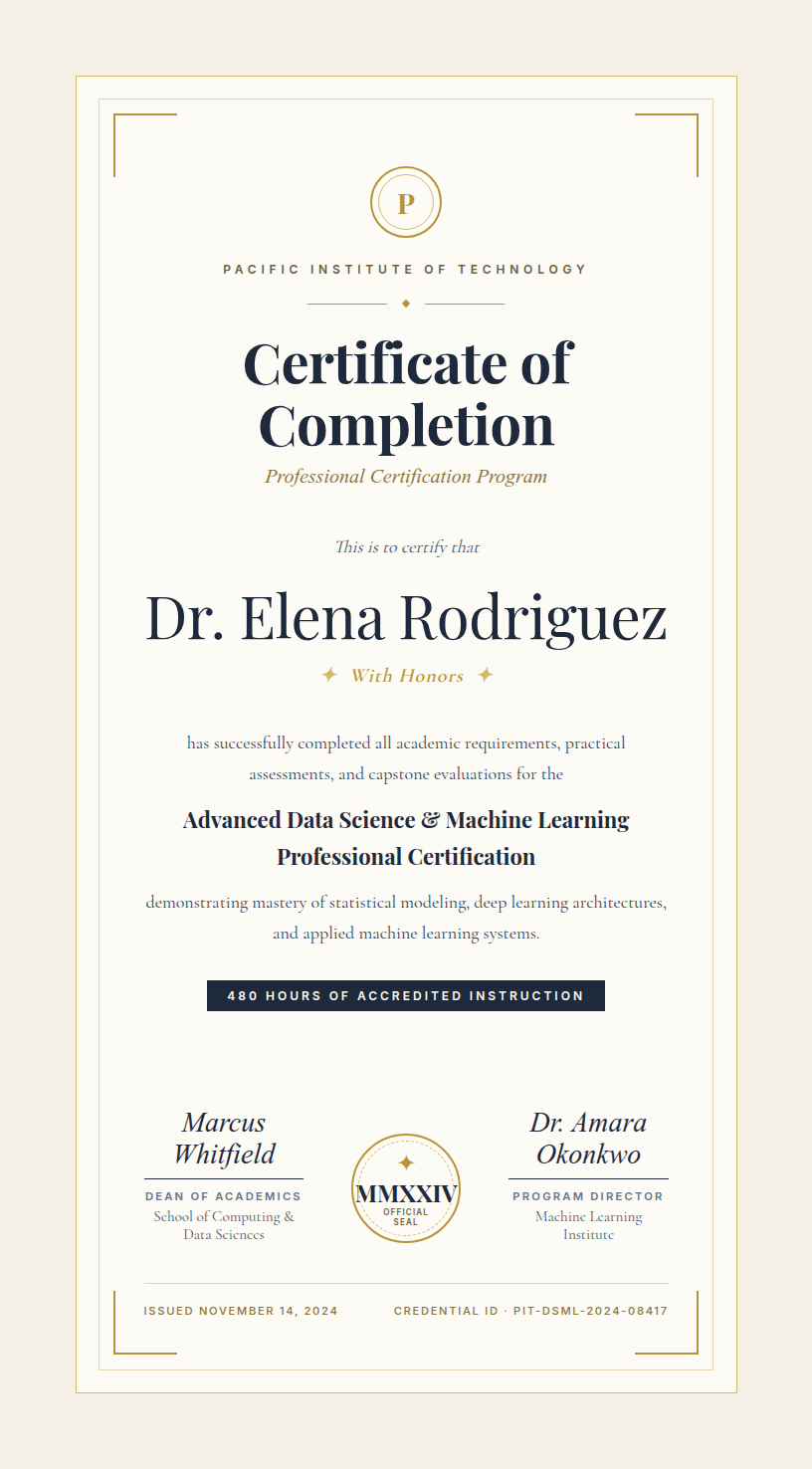
It was good. Really good. After a few rounds of refinement, I had templates that looked like they came from a design agency. Elegant invoices with accent bars and oversized totals. Certificates with ornate borders and gold accents. Contracts with numbered sections and colored badges.
I generated 10. Then 50. Then 100. By the time I hit 170 templates across 13 categories, something had become obvious.
The AI was better at this than me
Not "better for an AI" — actually better. The templates it produced were more creative, more polished, and more varied than anything I could have designed by hand. It was choosing font pairings I wouldn't have thought of. It was using clip-paths and color blocking techniques I'd have spent hours learning. It was producing 30 templates in the time it took me to make one mediocre invoice in Word.
And I kept thinking: why am I the only one who gets to use this?
So I turned it into a product
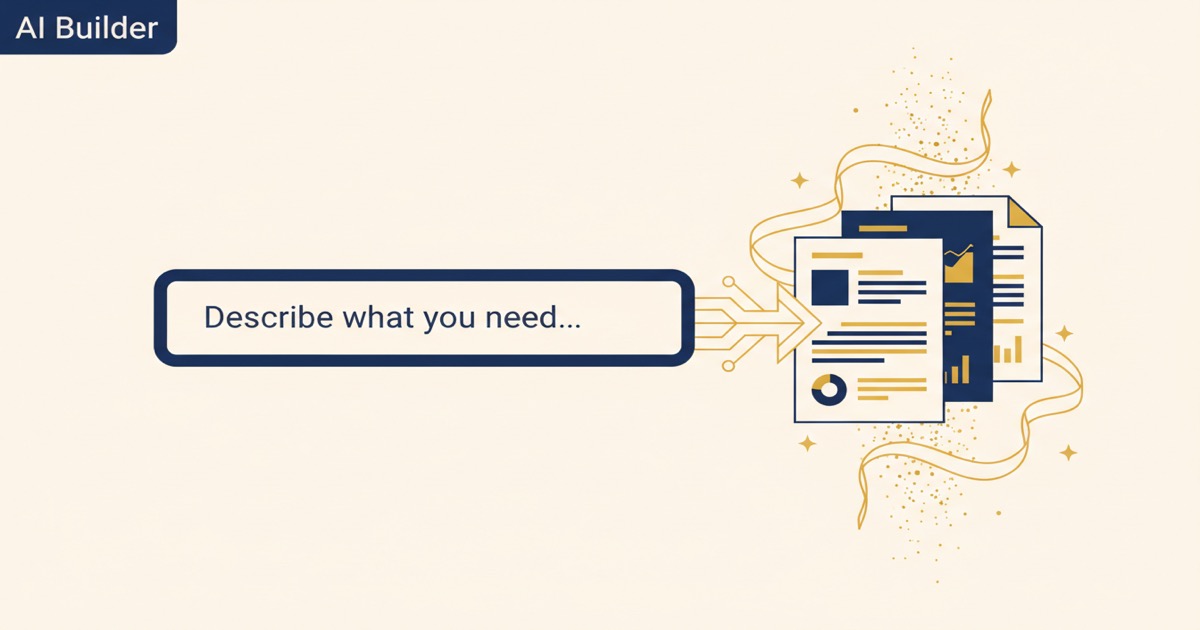
That's the AI Document Builder. It's the same engine that generated our template library, but now it's in your hands.
You describe what you need:
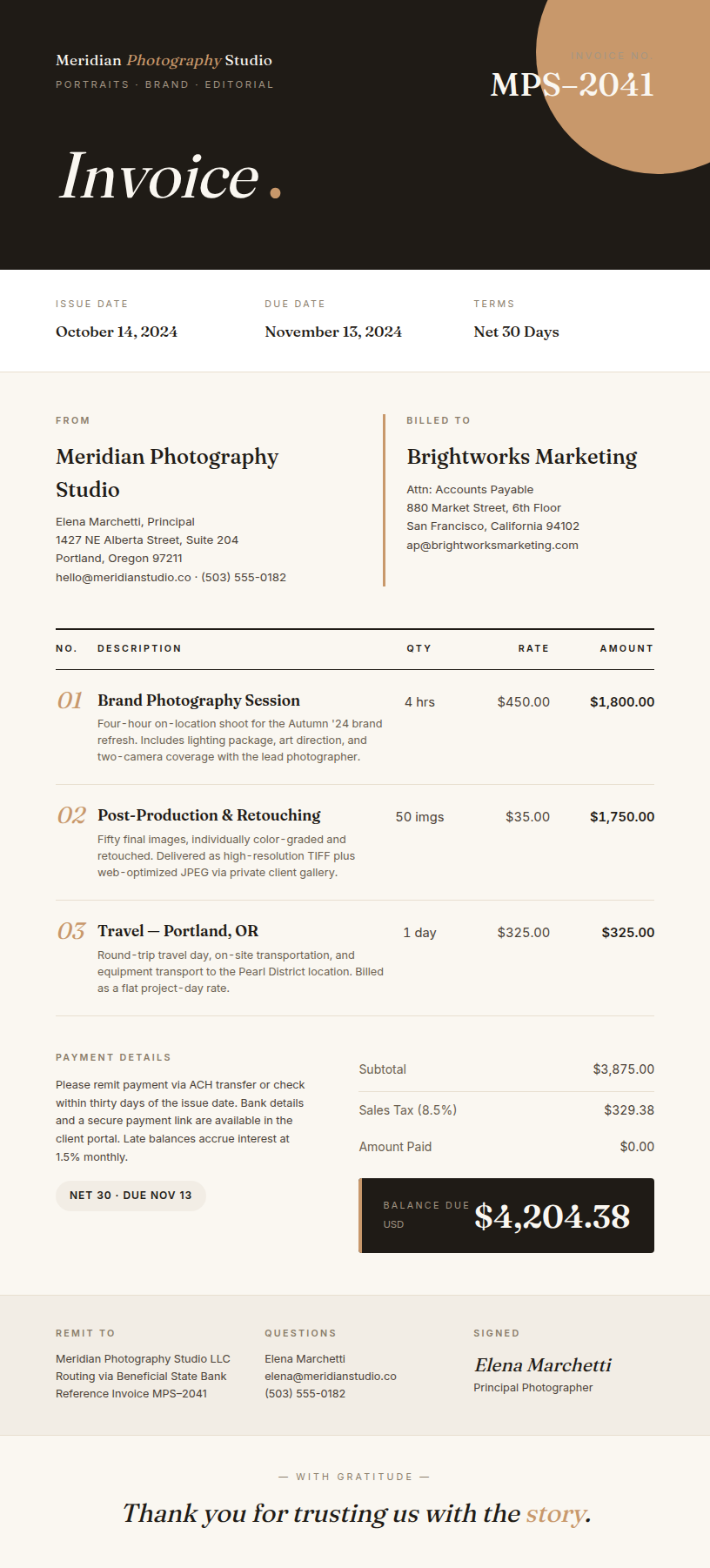
- "A photography invoice with session details and package pricing, dark luxury feel"
- "A birthday party invitation for my daughter Zelda, Legend of Zelda themed"
- "A conference flyer for CASP annual conference in Las Vegas, booth 123"
Thirty seconds later, you're looking at a finished document that rivals what you'd get from a professional designer.
What it does:
- Describe what you need in plain English, get a finished PDF in about 30 seconds
- 120+ document types: invoices, flyers, certificates, contracts, proposals, resumes, menus, social media posts, and more
- Two modes: finished documents (ready to download) and reusable templates (with placeholders for batch generation)
- Give it a website URL and it pulls your brand colors, logo, and style automatically
- Included on all paid plans — no per-document charge
The part nobody else can do
Here's where it gets interesting. Every AI document tool can generate a one-off document. Canva can make you a flyer. Fiverr designers can make you an invoice. What nobody else does is this:
You generate a beautiful invoice with the AI Builder. You love the design. You click "Save as Template" instead of "Download PDF." Now that invoice — with all its design sophistication — becomes a reusable template with smart placeholders. Client name, line items, totals, dates — all dynamic.
Upload a CSV with 500 clients. Click generate. 500 personalized invoices, each one looking like it was custom-designed, generated in under a minute.
That combination — AI-quality design plus batch data merge — is what makes EZdoc different. We didn't start with AI and bolt on templates. We didn't start with templates and bolt on AI. We started with the problem (people can't make good templates) and the AI grew naturally out of solving it.
The honest comparison
Canva is a great tool. I use it myself. But designing a document in Canva means opening the editor, choosing a template, dragging elements around, adjusting text, tweaking colors, exporting. That's 20-30 minutes for a polished result. And if you need 500 variations? You're doing it 500 times.
Fiverr gets you professional quality, but a single design runs $25-50 and takes 24-48 hours with revisions.
EZdoc generates a professional document in 30 seconds. Don't like it? Regenerate. Need 500 personalized versions? Switch to template mode and batch merge from a spreadsheet.
I'm not saying AI replaces a talented designer for your brand overhaul. It doesn't. But for the everyday documents that need to look professional without a design process? It changes the math completely.
What's included
The AI Builder is included on all paid plans. No add-on fee. No per-document charge.
- Starter ($19/mo): 8 AI generations per month
- Growth ($49/mo): 18 AI generations per month
- Scale ($99/mo): 40 AI generations per month
Plus all 240+ templates in the library, batch PDF generation, API access, and everything else.
The game changed
When I started EZdoc, we were a document merge tool. Upload a template, upload your data, get PDFs. Useful, but narrow.
Now we're a document creation platform. Describe what you need, get a professional document in 30 seconds. Need one? Download the PDF. Need a thousand? Save it as a template and merge your data.
The 45-minute template disaster was the best thing that happened to this company. It forced me to solve the real problem: not "how do people merge data into templates" but "how do people get a good template in the first place?"
The answer turned out to be: they don't have to. The AI does it for them.
— Jason