How to Create a Professional Landing Page in 60 Seconds (No Code Required)
Build a stunning, responsive landing page without writing a single line of code. Just describe what you want and EZdoc creates production-ready HTML you can host anywhere.
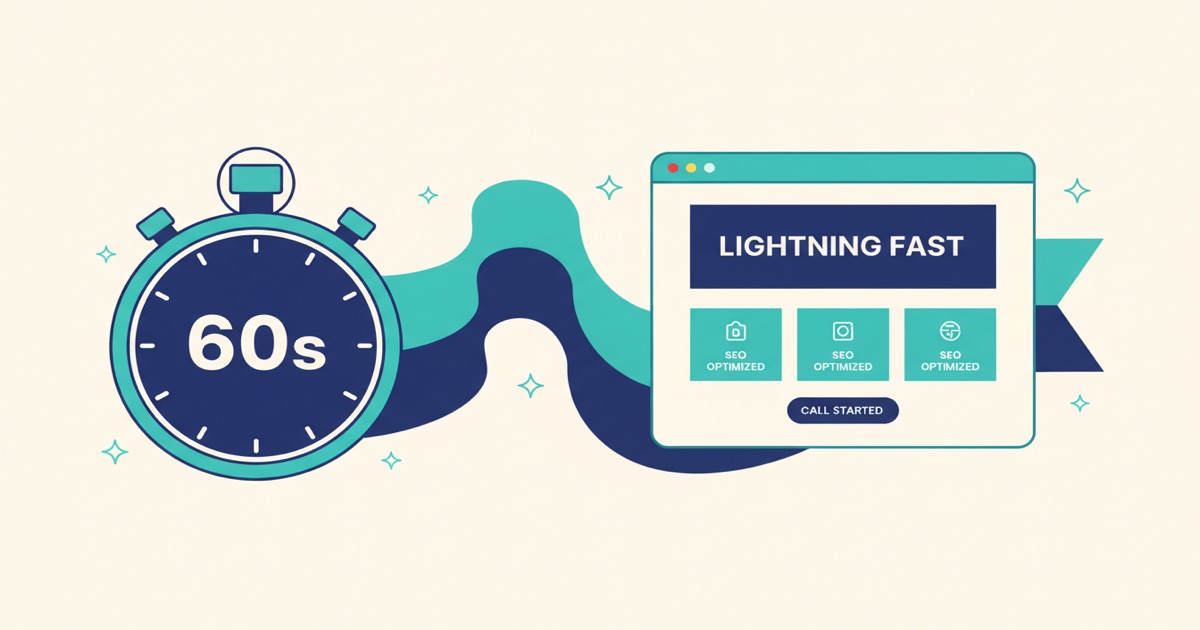
You need a landing page. Maybe it is for a new product, a freelance portfolio, an upcoming event, or a side project you want to test before building the real thing.
Your options used to be: hire a designer ($500+), learn a page builder (hours of dragging boxes), or write HTML yourself (if you even know how).
Now there is a fourth option: describe it and download it.
What we built
EZdoc has an AI Builder that creates three things: documents, templates, and — as of this week — shareable webpages.
You type a description like:
"Landing page for a sleep wellness startup called DriftWell that sells a smart sleep mask. Hero with headline and CTA, 3 key features, social proof, pricing section, FAQ."
And in about 60 seconds, you get a complete, responsive HTML page with:
- A hero section with compelling headline and call-to-action button
- Feature cards with descriptions
- Social proof (ratings, review counts)
- Pricing tiers
- FAQ section with expandable answers
- Clean footer with contact info
- Responsive design that works on desktop AND mobile
- Semantic HTML5 structure
- Modern CSS with flex/grid layouts
Download the HTML file. Host it anywhere. Netlify, Vercel, GitHub Pages, your own server, or just email it to someone.
Real examples people are building
Since we launched webpage generation, here are some of the things people have created:
Freelance portfolios
Photographers, designers, and developers are creating portfolio pages to share with potential clients. One designer described her portfolio as "editorial, lots of whitespace, magazine-like" and got exactly that — a page that looked like it was designed by a professional agency.
Event pages
A nonprofit created a fundraiser event page for their annual Bark in the Park event in under two minutes. It had the date, location, ticket info, sponsors section, and a donation CTA. They hosted it on Netlify for free.
Restaurant websites
A small restaurant owner created a menu page with their full dinner menu, hours, location, and reservation CTA. It replaced the Facebook page they had been using as their "website."
Startup landing pages
Founders are testing ideas by creating landing pages before writing a single line of product code. Describe the product, the value prop, and the pricing — get a page you can share to validate demand.
Podcast pages
A tech podcast created their show page with episode listings, host bios, platform links (Apple, Spotify, YouTube), and a subscribe CTA. Dark mode with monospace accents, exactly as described.
How it works
Step 1: Open the AI Builder
Go to the AI Builder and select Webpage mode.
Step 2: Describe your page
Be specific. The more details you give, the better the result. Include:
- What the page is for (product launch, portfolio, event, restaurant)
- Key sections you want (hero, features, pricing, FAQ, testimonials)
- Content details (actual text, prices, dates, names)
- Style preferences (minimal, bold, dark mode, earthy tones, etc.)
Step 3: Download and host
You get a single HTML file. Everything is embedded — CSS, fonts, responsive breakpoints. No dependencies, no build step, no framework.
Host it for free on:
- Netlify — drag and drop the HTML file
- Vercel — deploy from a folder
- GitHub Pages — push to a repo
- Any web server — just upload the file
What makes these pages look so good?
We did not just plug a prompt into an AI and call it a day. We ran over 30 rounds of experiments — testing different models, different design approaches, and hundreds of generated documents side by side — to figure out what actually produces output that looks like a human designer made it.
The result is a finely tuned system that creates pages people are genuinely proud to share:
Designs that feel intentional, not generated. Every page has a clear visual hierarchy, purposeful color choices, and typography that feels like someone cared. The kind of design where people ask "who made this?" instead of "which AI made this?"
Professional-grade typography. Distinctive font pairings, clear heading hierarchies, and text that is actually readable — not the generic system fonts that scream "template."
Color palettes with personality. Each page gets a cohesive color story that matches its purpose — warm and inviting for a restaurant, bold and confident for a startup, serene and calming for a wellness brand. Not the same blue-and-white every time.
Whitespace that works. Great design is as much about what you leave out as what you put in. Our pages breathe. Content is grouped logically with generous spacing between sections, making everything easy to scan.
Responsive by default. Every page works beautifully on desktop and mobile. No extra effort, no "mobile version" — it just adapts.
Try it free
Every verified EZdoc account gets 3 free AI generations. Use one on a webpage and see for yourself.
Paid plans start at $19/month with our premium AI model for even higher-quality, more detailed designs.
Create your landing page now →
Tips for the best results
Be specific about content. Instead of "a pricing section," say "3 tiers: Free ($0, 3 projects), Pro ($12/mo, unlimited), Team ($8/user/mo)."
Mention the vibe. "Calming, premium, nighttime aesthetic" gives the AI much more to work with than just "modern."
List the sections you want. The AI will not guess. If you want testimonials, say so. If you want an FAQ, list the questions.
Use the Refine button. Generated page not quite right? Click Refine, describe what to change ("make the header darker," "add a phone number to the footer"), and the AI applies your edits without starting over.
Include real data. Real names, real prices, real dates. The AI creates better designs when it has actual content to work with rather than placeholders.