From a Spreadsheet to 1,000 Custom Documents in Under 5 Minutes
Upload a CSV, AI designs a template from your columns, bulk generate 1,000 personalized PDFs in 2 minutes. Invoices, certificates, contracts — any document type.
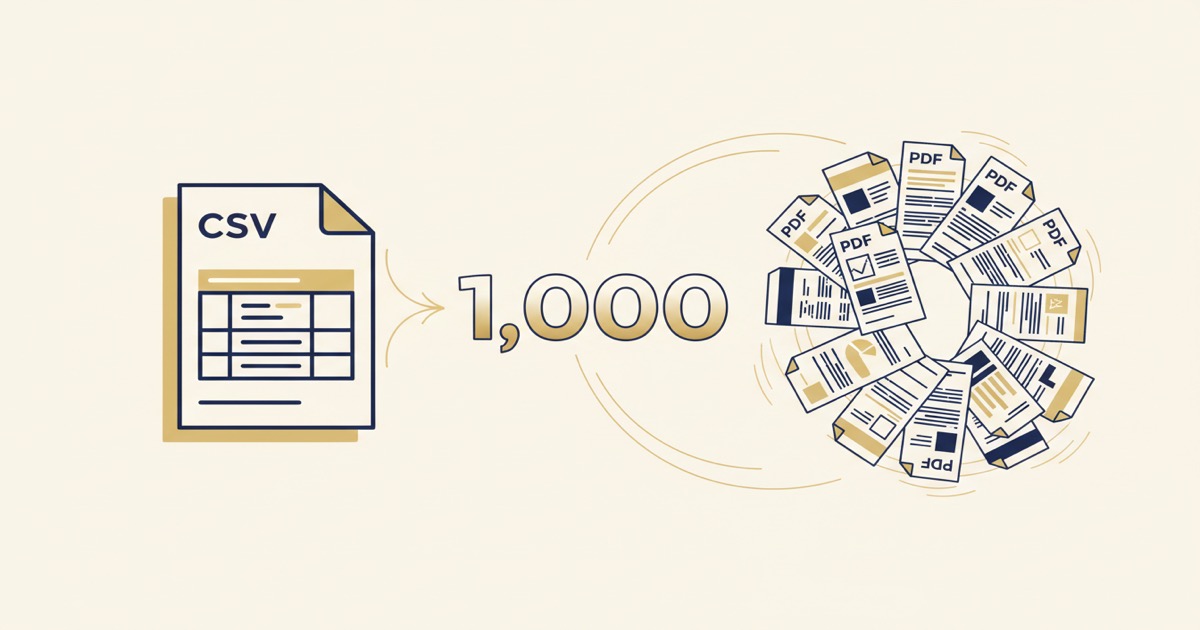
From a Spreadsheet to 1,000 Custom Documents in Under 5 Minutes
You have a CSV with 1,000 rows of client data. You need 1,000 personalized invoices — each with the right name, the right line items, the right totals. Normally, that's a weekend project. Or an expensive outsource. Or a developer building you a custom script.
With EZdoc, it's three steps and about five minutes.
Step 1: Upload your CSV and generate a template (30 seconds)
You don't need to design anything. You don't need to open Word or Photoshop or Canva. You just upload your CSV file.
EZdoc reads your column headers — client_name, invoice_number, line_items, total — and shows you exactly what it found. Then our AI designs a professional template around YOUR data. Not a generic template you have to customize. A template built specifically for the columns in your spreadsheet.
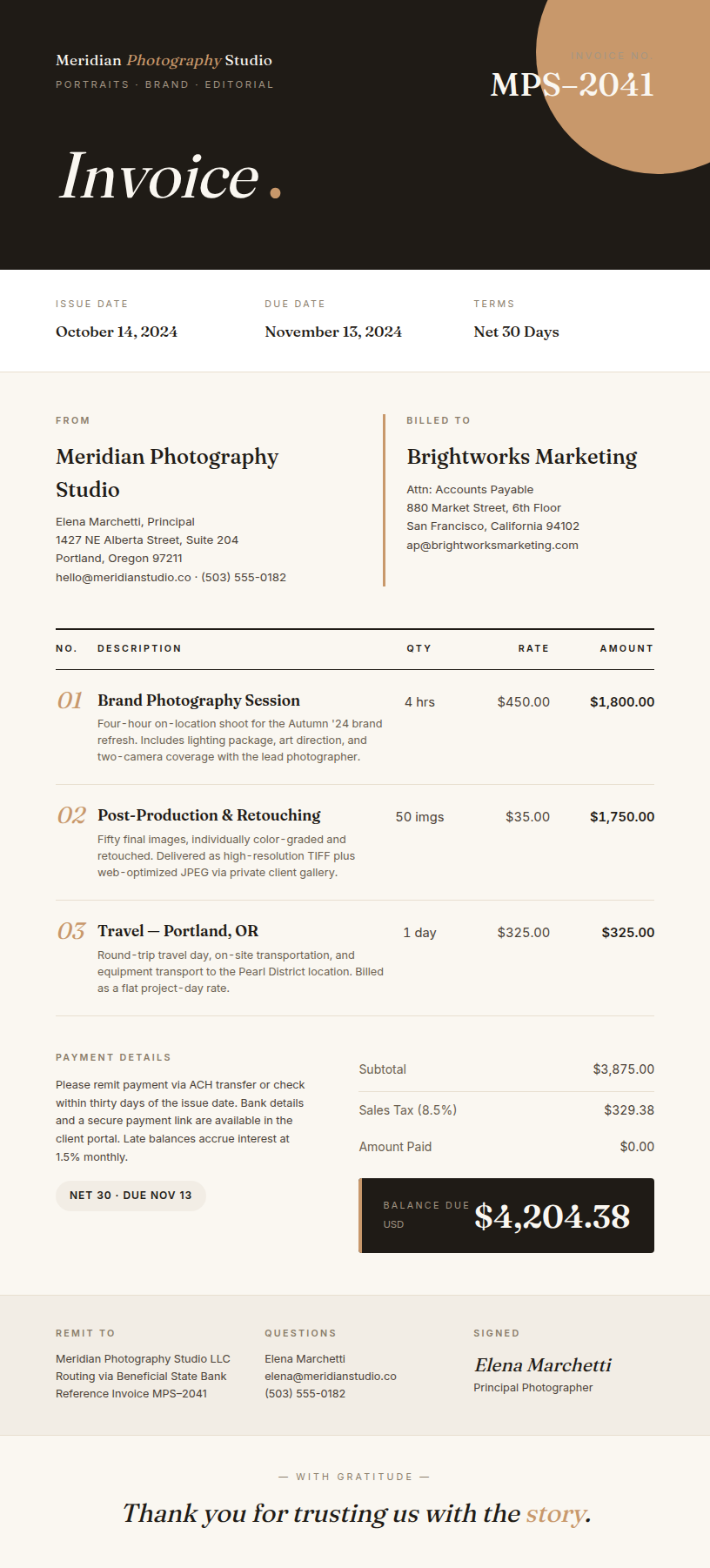
The template comes back in about 30 seconds with your actual data rendered in the preview. If the first row of your CSV says "Willow Creek Consulting" and "$11,907.50" — that's exactly what you see in the preview. Not placeholder text. Your real data.
Step 2: Save as a reusable template (1 click)
Click "Save as Template." That's it. The AI-generated design becomes a reusable template with smart placeholders — {{ client_name }}, {{ line_items }}, {{ total }} — mapped directly to your CSV columns.
The template supports everything your data needs:
- Dynamic line items — 3 items or 30, the table grows automatically
- Conditional sections — tax row only appears when there's a tax amount
- Calculated fields — subtotals, discounts, totals
Step 3: Bulk generate (2 minutes for 1,000 documents)
Go to Bulk Generate. Select your template. Upload the same CSV. Click Generate.
EZdoc processes every row — one PDF per row — and packages them into a ZIP file. A thousand invoices, each personalized with the right client, the right items, the right amounts. Download the ZIP. Done.

Want to email them directly to recipients? Add a _email_to column to your CSV with each person's email address. EZdoc sends each PDF to the right person automatically.
Want to deliver them to your SFTP server? Toggle SFTP delivery on the generate page and they'll be uploaded automatically when processing completes.
The math
| Approach | Time for 1,000 docs |
|---|---|
| Copy-paste in Word | 80+ hours |
| Hire a designer | 2-3 days + $500+ |
| Build a custom script | 4-8 hours (if you code) |
| EZdoc | ~5 minutes |
And the template is reusable. Next month when you need another 1,000 invoices, you just upload the new CSV. Same template. Same 2-minute generation. Zero rework.
What people are using this for
- Invoices — freelancers and agencies generating personalized invoices from their billing spreadsheet
- Certificates — training companies issuing completion certificates to hundreds of participants
- Contracts — law firms generating client-specific agreements from a master template
- Offer letters — HR teams sending personalized offers to multiple candidates
- Reports — consultancies creating client-specific quarterly reports from a data export
The pattern is always the same: you already have the data in a spreadsheet. You just need a beautiful way to present it. That's the gap EZdoc fills — from raw data to polished documents in minutes, not days.
Try it
- Sign up free — 25 pages/month, no credit card
- Go to AI Builder → select "Reusable Template"
- Upload your CSV — we'll extract your columns automatically
- Generate your template in 30 seconds
- Go to Bulk Generate → upload the same CSV → download your ZIP
The free tier gives you enough to test the full workflow end-to-end. Paid plans start at $19/month for 1,000 pages with every feature included.
See what the AI can generate →
— Jason