Forms & E-Signature: Send a Link, Get Back a Sealed PDF
Turn any document into a fillable, signable form. Recipients sign in their browser — no account needed — and you get back a sealed PDF with consent and a full audit trail.
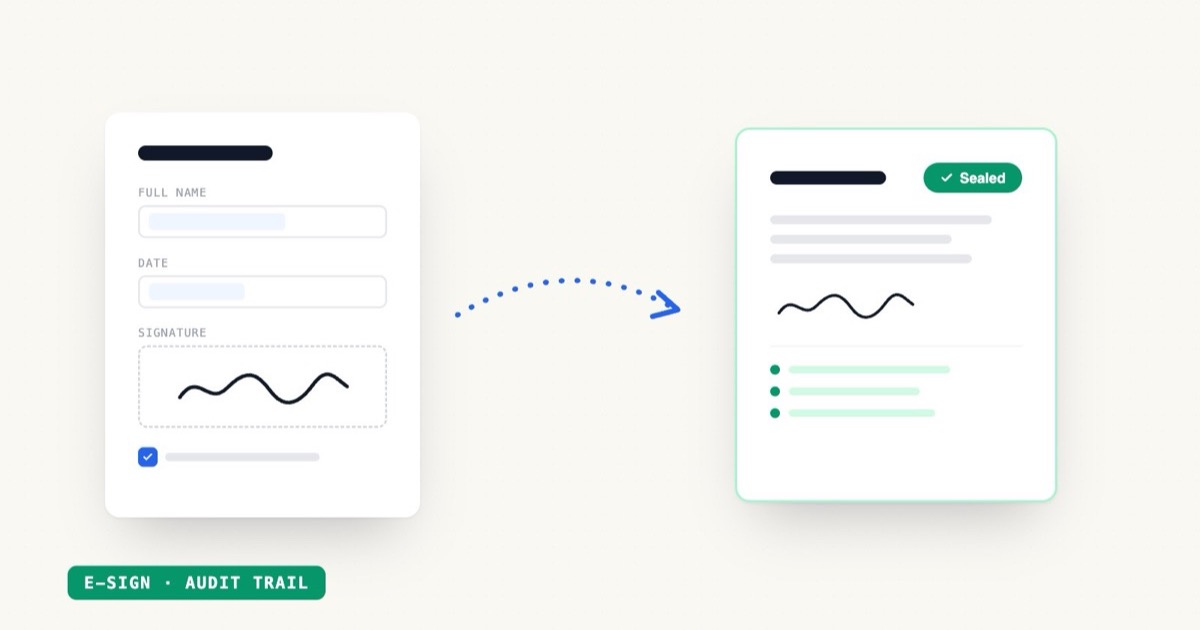
EZdoc has always been good at the first half of a document's life: design it, generate it, send it out. Today we're shipping the second half — Forms & E-Signature. Turn any document into a form people can fill and sign in their browser, and get back a finished, sealed PDF with the signature and a full audit trail attached.
Key Takeaways
- 24 AI form generators — waivers, intake forms, registrations, NDAs, consent forms, and more
- Recipients fill and sign on any device — no account, no app, no login
- Drawn e-signature captured with explicit consent and an audit trail (timestamps, IP, event log)
- Every response merges into your document design and comes back as a sealed PDF
- Works on the free plan — each response counts as one page
The round trip
Most document tools stop at "download." But for a lot of documents — waivers, offer letters, intake forms, rental applications — the document isn't done until someone else has filled it in and signed it. Historically that meant a second subscription: one tool to make the document, a DocuSign-shaped tool to get it signed, and some glue in between.
Now it's one loop:
- Generate the form. Describe it in a prompt — or drop in an existing document — and the AI builds a fillable form, fields and all. Eight field types, including drawn signature.
- Send it. Email invites to named recipients, or share one public link. Whatever gets it in front of people fastest.
- They fill & sign. In their browser, on a phone or a laptop. Consent is captured explicitly before the signature counts.
- You get a sealed PDF. Their answers and signature merge into your design — not a generic receipt — with an audit trail: signer IP, consent timestamp, and the event log.
24 generators, one for every form
Rather than one generic "form builder," we shipped a generator per job:
| If you run… | Start from |
|---|---|
| Events | Waiver, event registration, RSVP, photo release |
| A clinic or practice | Intake, consent, booking, evaluation |
| HR | Job application, NDA, acknowledgment, permission slip |
| A nonprofit | Volunteer application, donation, membership |
| Operations | Order, payment authorization, inspection checklist, request, rental application, service agreement, lead capture, survey, contact |
Each one lives at its own page under AI form examples, builds a fillable, signable version in seconds, and is tuned for what that form actually needs to collect.
What "sealed" means
When a response comes in, EZdoc doesn't hand you a row in a spreadsheet. It merges the answers and the drawn signature into the document's own layout and locks the result. The PDF carries:
- the signer's answers, typeset in your design
- the drawn signature with the signer's name
- explicit consent, recorded before signing was allowed
- an audit trail — timestamps, signer IP, and the steps the signer took
It's the difference between "someone submitted a form" and "here is the signed document, ready to file."
Scale is built in
A signed response and a bulk-merge row are the same thing to our pipeline: one finished PDF, one page against your allowance. Collecting 800 signed waivers for a weekend event works exactly like merging an 800-row CSV — and they flow into the same dashboard. If you're collecting at volume, the bulk page has the full story.
Forms work on the free plan today. Build one, share the link, and watch the first sealed PDF come back — that's the fastest way to understand it. Start at ezdoc.app/forms.