How to Put a Webpage Online in Seconds (No Domain, No Host, No Code)
Skip the domain, host, and DNS. Describe a page, let AI build it, then click Publish — it's live at yourname.ezdoc.site in seconds. A step-by-step guide, no code required.
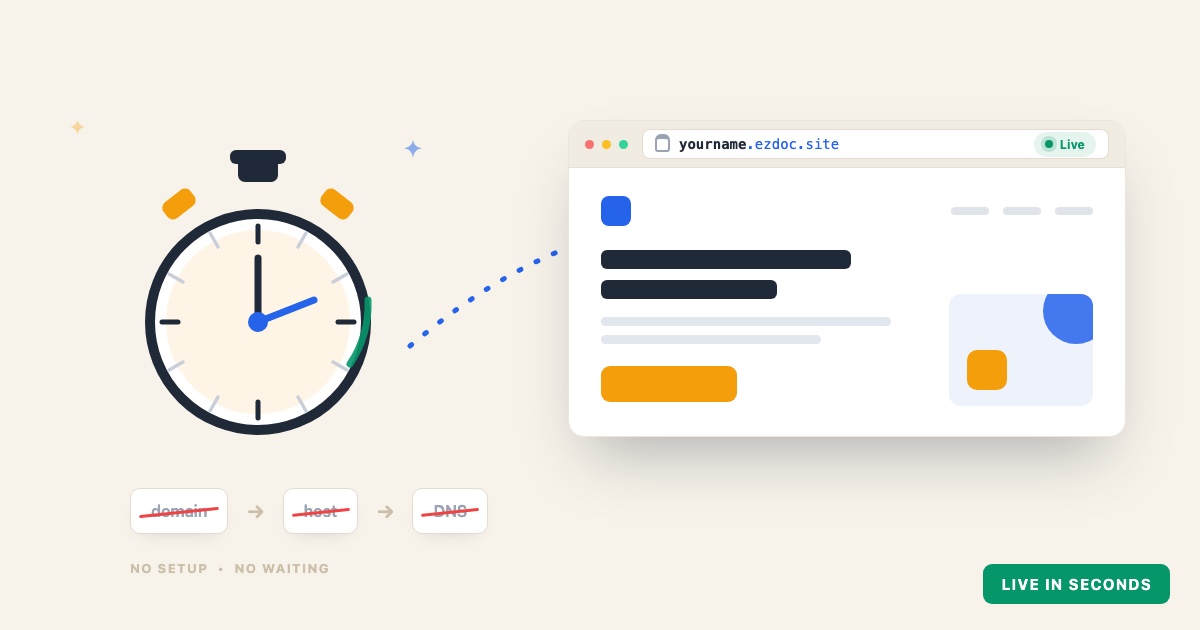
You made a webpage — or you're about to. The part that usually stops people isn't the design. It's everything after: where do you actually put it so other people can see it?
The traditional answer is a small project: buy a domain, sign up for a host, upload your files, configure DNS, and wait for it all to connect. This guide shows the shortcut. With EZdoc you can put a webpage online in seconds — no domain, no host, no code — and walk away with a live link at yourname.ezdoc.site.
Key takeaways
- You don't need a domain, a hosting account, or DNS to put a page online.
- Describe the page, let AI build it (~30 seconds), then click Publish — it's live instantly.
- You pick your own link:
yourname.ezdoc.site. - Generating is free; live hosting and HTML download are included on every paid plan.
The old way (and why it's slow)
Putting a page online the traditional way means stitching together four separate things: a domain from a registrar, a hosting account, a file upload, and DNS records to point one at the other. Any single step can eat an afternoon — and DNS changes can take hours to propagate before your link even works. None of it has anything to do with the page itself.
The fast way, step by step
1. Describe the page
Open the AI Builder and type a plain-English description of what you want:
"A one-page site for my dog-walking business, Trusty Paws — friendly hero, three services with prices, a service-area note, and a 'book a walk' button."
2. Let AI build it
In about 30 seconds you get a complete, responsive page — real copy, a clear call-to-action, and a design that fits your brand instead of a stock template. Want something different? Say so in plain English and it regenerates.
3. Publish it
Click Publish and pick your slug. That's the entire deploy. The page goes live at yourname.ezdoc.site immediately — uploaded to a global edge network and served fast, with no build step and nothing to configure.
4. Share the link
Text it, email it, post it, or print it on a flyer. It's a clean, real URL that just works.
What you don't have to do
- ❌ Buy a domain
- ❌ Sign up for a separate host
- ❌ Configure DNS or wait for it to propagate
- ❌ Write or touch a single line of code
- ❌ Run a build or deploy pipeline
Updating or taking a page down
Edit the page and re-publish — the live version updates in seconds, on the same link. Want it offline? Unpublish, and it's gone just as fast. You can keep up to 10 live pages per account.
A note on search engines
Hosted pages are set not to be indexed — they're built for sharing by link, not for ranking in search. That makes them perfect for RSVPs, portfolios, client previews, and launch pages you send to people directly. (Need a page that ranks on Google? Download the HTML and host it on a search-indexed setup instead.)
FAQ
How fast is "in seconds," really?
Publishing is one step — your page uploads and goes live immediately, with no build queue or deploy wait. The slowest part of the whole flow is the ~30 seconds the AI takes to generate the page in the first place.
Do I need a paid plan?
Generating a page is free on every account. Live hosting at yourname.ezdoc.site — plus HTML download if you'd rather host it yourself — is included on every paid plan.
Can I use my own domain?
Today, hosted pages are served at yourname.ezdoc.site. If you need a custom domain, download the HTML and host it on a service that supports custom domains — it's your file to take anywhere.
How many pages can I publish?
Up to 10 live pages per account. Unpublish or re-publish any of them whenever you like.
Ready? Publish a webpage online in seconds → — or read the launch announcement.