Put a one-page website online in minutes (no domain, no code)
From idea to a live one-page website: describe it, watch it stream in, tweak it in the builder, and publish at your own ezdoc.site address.
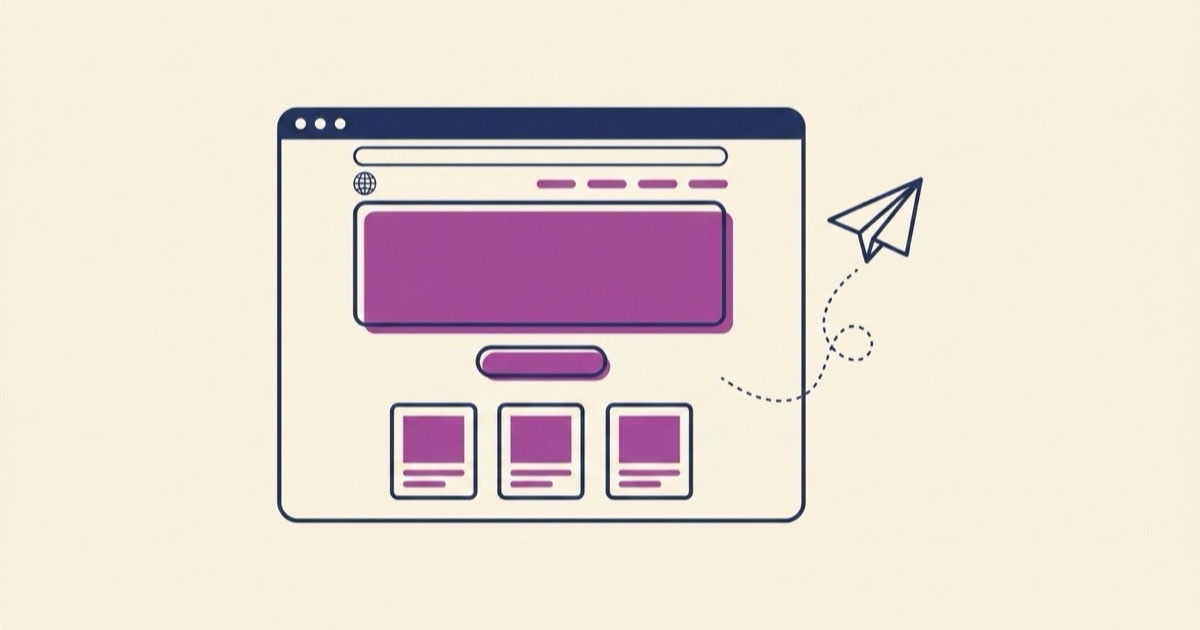
Most projects don't need a website. They need a page — one screen that says what the thing is, why it's worth caring about, and what to do next. This guide covers when a one-pager is the right call, what every good one contains, and how to put one online in minutes with no domain, no host, and no code.
Key takeaways
- One page beats a full site for launches, events, link-in-bio pages, portfolio teasers, and menus.
- Every good one-pager has five parts: a headline that says the thing, one call-to-action, proof, a way to contact you, and a layout that works on a phone.
- With EZdoc you describe the page, watch it stream in, tweak anything in the builder, and publish at
yourslug.ezdoc.site. - Generating and editing is free. Publishing to a live address is a paid-plan feature.
When one page is the right call
A multi-page website is a commitment: navigation, an About page, a blog you'll feel guilty about. A one-page website is a decision. It works best when visitors arrive with one question and you have one answer:
- A launch. You're validating an idea or announcing a product. The page's whole job is "here's what it is, join the waitlist."
- An event. Date, place, what to expect, RSVP. Nobody wants to navigate a menu to find the start time.
- A link-in-bio page. One clean page behind your social profiles that routes people to the two or three things you actually want them to do.
- A portfolio teaser. You don't need a gallery with filters. You need three strong pieces and a "hire me" button.
- A menu or price list. A cafe, a barber, a freelancer's rate card. People check it on their phone, decide, and close the tab. That's success.
The pattern: one audience, one message, one action. If you're straining to fit a second audience or a fourth section, you might genuinely need more pages. Most of the time, you don't.
The 5 things every one-pager needs
We've generated a lot of one-page websites at this point, and the ones that work share the same skeleton.
1. A headline that says the thing
Not a slogan. Not "Welcome." The literal thing: "Dog walking in East Austin, weekdays" beats "Your pet's happiness, our passion" every time. A visitor should know what the page is about before they scroll.
2. One call-to-action
One. "Book a walk." "RSVP." "Get the guide." When a page asks for three different actions, most visitors take none. Repeat the same button near the top and at the bottom — that's not two CTAs, that's one CTA within reach.
3. Proof
Something that shows the thing is real: a photo of your work, a short quote from a customer, "serving Austin since 2022." If you're brand new and have none of these, say what you will do, specifically — specificity is its own kind of proof.
4. A way to contact you
An email, a phone number, a form link. It sounds obvious, and it's the single most common thing people forget to include. If the CTA fails for any reason, contact info is the fallback conversion.
5. A layout that works on a phone
Most of your visitors will open the link on a phone, from a text or a social bio. If the headline wraps badly or the button sits below three screens of images, the page fails where it's used most. This is where generated pages have an unfair advantage: responsive behavior is built in, not something you test for at the end.
From idea to live site with EZdoc
Here's the whole flow, start to finish.
1. Describe the page
Open the one-page website builder and write what you want in plain English:
"A one-page site for my supper club, Thursday Table — moody hero, next dinner's date and menu, two photos, one 'reserve a seat' button, and a short about section."
The more specific your description, the closer the first draft lands. Include your business name, what you offer, and the one action you want visitors to take.
2. Watch it stream in
The page doesn't appear all at once — you watch it being written, section by section, live on screen. It takes well under a minute, and by the end you have a complete responsive page with real copy, not lorem ipsum. If the direction is wrong, describe what you'd rather see and regenerate. Not sure what a generated page looks like? Browse the webpage examples gallery first.
3. Tweak it in the builder
The page opens in a visual builder. Click any element — headline, button text, a photo, a price — and change it directly. Swap the hero image for your own, fix the phone number, rewrite the about section in your voice. Editing is free on every plan, so take your time here.
4. Publish at your own address
Click Publish and pick your slug. Your page goes live at yourslug.ezdoc.site immediately — no domain to buy, no DNS records, no hosting account, no deploy step. The link is real and shareable the moment you pick it.
5. Edits auto-republish
Change the menu next week? Edit the page and save — the live site updates on the same link, automatically. You never re-deploy anything. You can keep up to 10 published pages per account, so one account covers your launch page, your event page, and your link-in-bio.
What's free and what's paid
Straight answer: generating, previewing, and editing webpages is free — you can build the whole page and see exactly what you'd get before paying anything. Publishing to a live ezdoc.site address is a paid-plan feature, and pages live on ezdoc.site subdomains rather than your own custom domain. If you need yourbusiness.com, this isn't that (yet) — but for a launch, an event, or a link-in-bio, a clean subdomain you got in minutes beats a custom domain you'll finish setting up next weekend.
Plan details are on the pricing page, and the publishing flow is covered step-by-step in how to publish a website online.
Start with the page, not the project
The reason most "I should make a website" plans stall is that they turn into projects: domains, hosts, builders, templates, tutorials. A one-pager skips the project and keeps the point — say the thing, show the proof, ask for the action, hand out the link.
Describe your page in the one-page website builder and see the first draft stream in. If it's not right, that costs you a sentence, not a weekend.