Recreate an old document: from stale PDF to living, editable design
Upload any old PDF and EZdoc rebuilds it as a beautiful, fully editable document — true to your text, ready to update, restyle, and reuse.
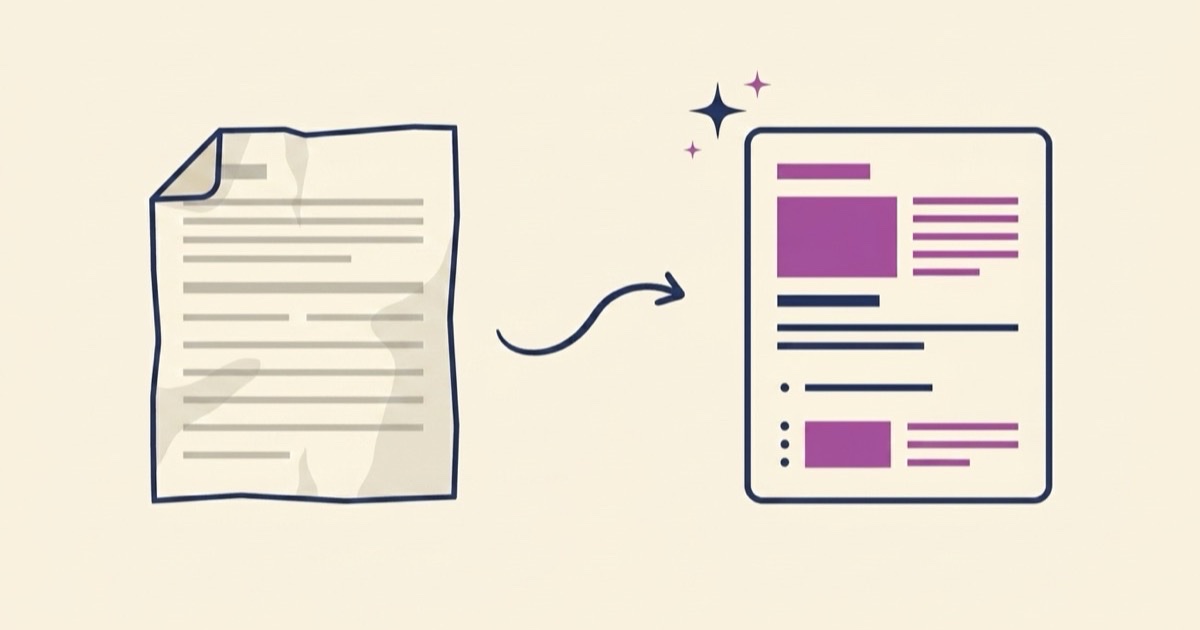
Everyone has that PDF. The price sheet from 2019. The waiver a designer made once and then moved to another city. The onboarding manual that lives in a shared drive, looks dated, and can't be edited by anyone. Today we're launching a fix: upload the PDF, and EZdoc rebuilds it as a beautiful, fully editable document that stays true to your text.
Key takeaways
- Upload any old PDF at /import or from the Studio's "Recreate" option — EZdoc identifies what kind of document it is and regenerates it as a modern, editable design.
- Your text is protected: names, dates, numbers, amounts, and addresses are never altered.
- You choose the fidelity: Keep my text exactly, or Polish the wording while the facts stay locked.
- The result opens in the visual editor. Click anything to change it yourself for free, or ask AI to make a change for you.
- It's a beautiful recreation, not a pixel clone — we rebuild the design rather than trace the original layout.
The document nobody can edit
Most businesses run on a handful of documents that outlived whoever made them. The source file is gone, or it's in a design tool nobody has a license for, or it was never a source file at all — just a scan. So the document freezes. Prices change and the price sheet doesn't. A policy updates and the waiver keeps the old clause. The choice has been retyping the whole thing from scratch or living with the stale version.
We built Recreate so there's a third option: hand us the PDF and get back a living document.
How it works
- Upload. Go to /import and drop in your PDF, or open the Studio, pick Recreate, and upload right there.
- We identify it. EZdoc reads the text and works out what the document is — an invoice, a resume, a certificate, a lease, a flyer. You see the guess pre-selected, and you can confirm it or pick a different type. Your choice is what counts.
- Choose your fidelity. Keep my text exactly reproduces your wording one-to-one and redesigns only the presentation. Polish the wording tightens weak phrasing and fixes grammar — and nothing else.
- Watch it regenerate. The new version streams onto the screen as it's designed, the same live generation you get everywhere in EZdoc. A minute later you have a clean, modern document carrying your real content.
From there it's a normal EZdoc document: edit it, download the PDF, reuse it next quarter.
Your text, guarded
The whole point of recreating a document is that the content is already right — it's the design and the editability that are broken. So we treat your text as the thing to protect.
In both modes, the strict facts are hard-locked: names, dates, numbers, amounts, addresses, and IDs are never altered. "Polish the wording" means exactly that — the prose can improve, the facts cannot drift.
We also verify the result. After regeneration, EZdoc checks that the anchor facts from your original — the key names and values — actually made it into the new document. If they didn't, the run fails and tells you so. We'd rather show you an honest error than deliver a confident, beautiful document with the wrong name on it.
After the recreate: a living document
The recreated document opens in the visual document editor, where the real payoff starts. Click any element — a heading, a price, a paragraph, a date — and change it directly. Manual editing is always free, on every plan.
For bigger changes, use Ask AI in the editor's right panel. Type what you want — "make the header navy and add a column for bulk pricing" — and it applies a surgical edit to just that part. Manual edits are always free; the first AI edit costs 1 credit and unlocks 3 free AI edits for the next 5 minutes, then the next AI edit costs 1 credit again.
That's the difference between a PDF and a document. The 2019 price sheet becomes the 2026 price sheet in a few clicks, and the 2027 one will take even less.
What it isn't
One honest boundary: Recreate does not pixel-clone your original layout. We tried building that first — reproduce the exact layout, line for line — and the results weren't good enough to ship. Copying a fixed layout into editable form is a losing translation; small errors compound into broken pages.
What EZdoc is genuinely good at is designing documents from scratch. So Recreate plays to that strength: your text, our design system, a new version that's usually better-looking than the original. If you need a byte-exact copy of the old layout, a PDF editor that annotates the original file is the better tool. If you want the document to live again — to be updated, restyled, and reused — that's what this is for.
Where to find it
- /import — the direct door. Upload a PDF and go.
- The Studio — open the creator, choose Recreate, and upload in place. The recreation streams into the canvas like any other generation.
Recreating a document works like any other generation: it uses one Design from your plan. Editing the result by hand is free, always.
FAQ
What file types can I upload?
PDFs are the main event — including exports from tools you no longer have access to. If your document is trapped somewhere, print it to PDF and upload that.
Will it change my numbers or names?
No. Names, dates, numbers, amounts, addresses, and IDs are locked in both fidelity modes, and we verify the key facts survived before handing you the result. If they didn't, the run fails visibly instead of delivering a fabricated document.
Will it look like my original?
It will read like your original and look like a well-designed modern version of it. It won't be a pixel-for-pixel copy of the old layout — that's a deliberate trade, and it's why the results are worth keeping.
Got a stale PDF in mind? Upload it and see what comes back →