The visual editor grew a brain: meet Ask AI
Every EZdoc document opens in a visual editor where manual edits are free. Now there's an Ask AI tab: type the change you want and AI applies a surgical edit.
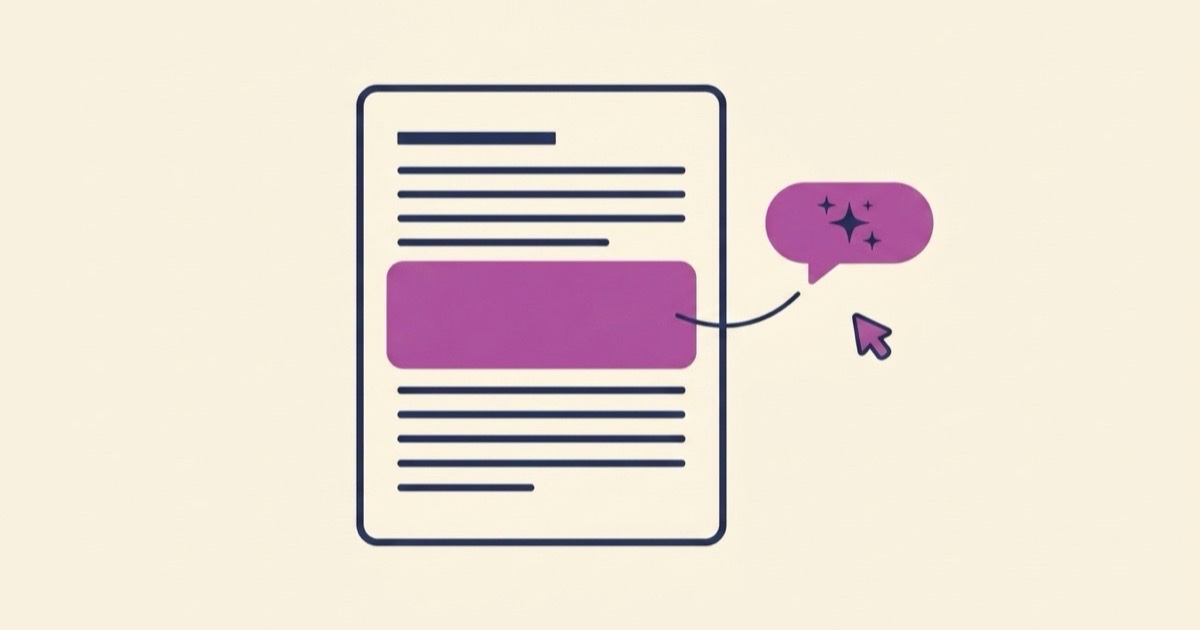
Every document EZdoc generates now opens in a visual editor: click a heading, retype it, adjust a color, toggle an element off. And as of this week, that editor has a new first tab — Ask AI — where you type the change you want and AI applies exactly that edit, without regenerating the document.
Key takeaways
- Every generated document opens in a visual editor. Click any element and change it yourself.
- Manual editing is free on every plan, including Free. The paywall is on download, not editing.
- The new Ask AI tab applies surgical edits: describe the change, AI patches exactly that, and nothing else moves.
- Manual edits are always free; your first AI edit costs 1 credit and unlocks 3 free AI edits for the next 5 minutes.
- Webpages and slide decks open in editors too — each format gets an editor suited to it.
Editing was the missing half
Generation was always the easy part to demo. You describe an invoice, and thirty seconds later you're looking at a designed invoice. The problem showed up ten seconds after that, when you noticed the one thing you'd change: a payment term worded wrong, a heading that should be bolder, a footer you don't need.
Until recently, your options were bad. Regenerate the whole document and hope the new version kept everything you liked. Or download it and live with the flaw. Neither felt like owning your document.
So we built a real document editor. Not a text box bolted onto a preview — the actual document, live, where every element is clickable.
Click anything, change it
Open any generated document and you're in the editor. Click a heading and retype it. Select a paragraph and fix the wording. Change colors and spacing. Toggle whole elements on or off — a seal, a watermark, a signature line — with a switch.
We made a deliberate pricing decision here: manual editing costs nothing, on every plan. Free plan included. You can open your document and tweak it as long as you want. The paywall sits on download, not on editing. We think you should be able to get the document exactly right before you pay anything.
Meet Ask AI
Some changes are annoying to make by hand, even in a good editor. "Make the payment terms bolder and add a late-fee line" is three clicks of formatting plus writing a sentence in the document's voice. That's the gap Ask AI fills.
It's the first tab in the editor's right panel. Type what you want changed, in plain English:
"Make the payment terms bolder and add a late-fee line."
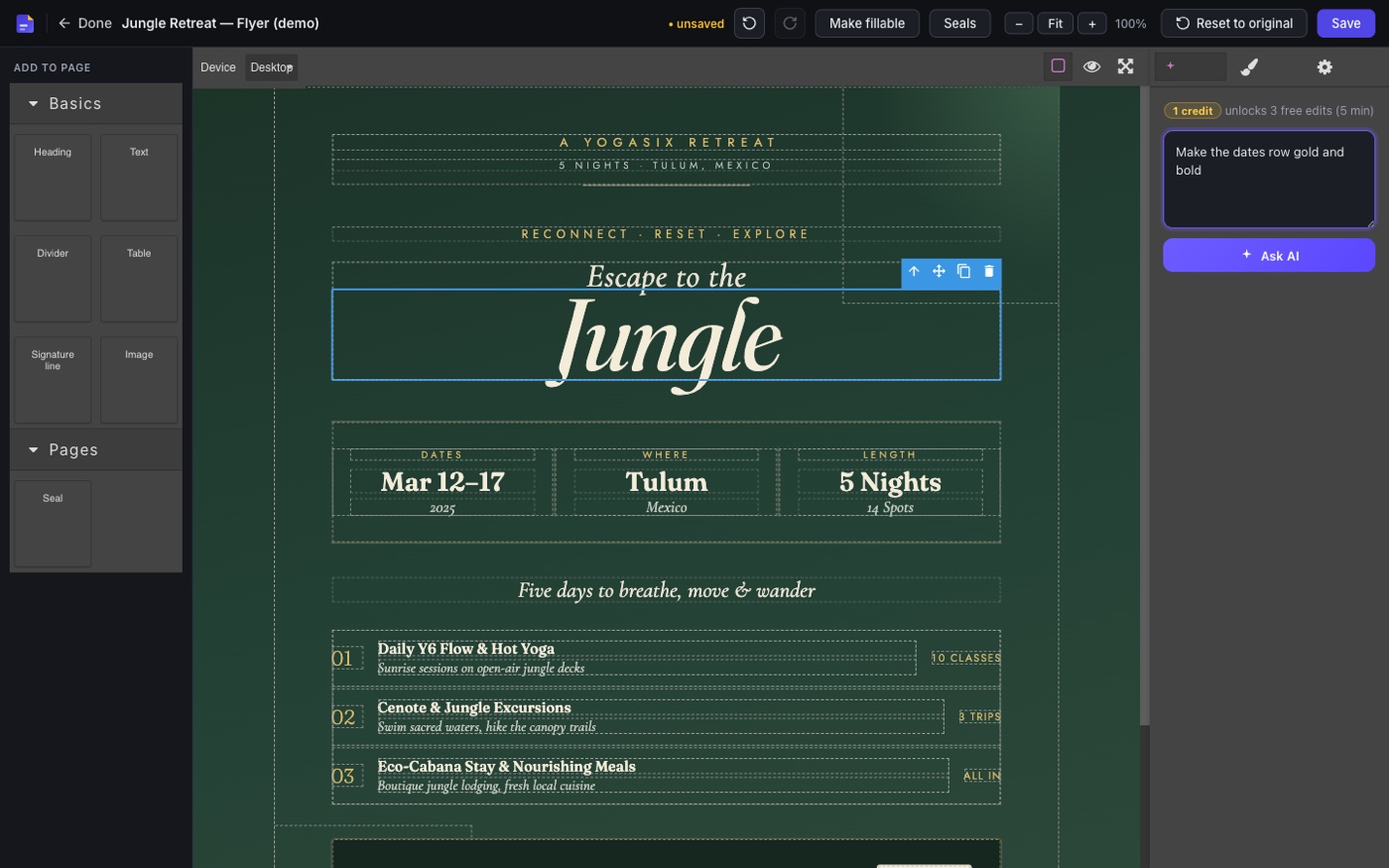
AI reads your document, finds the payment terms, and patches exactly that. The header doesn't move. The colors don't shift. The rest of the page stays byte-for-byte what it was. It's a patch, not a re-roll.
Here's a real one, unstaged: we asked for "make the headline gold and a little bigger" on a freshly generated flyer, and eight seconds later the headline — and only the headline — changed, with an Undo waiting in the panel.
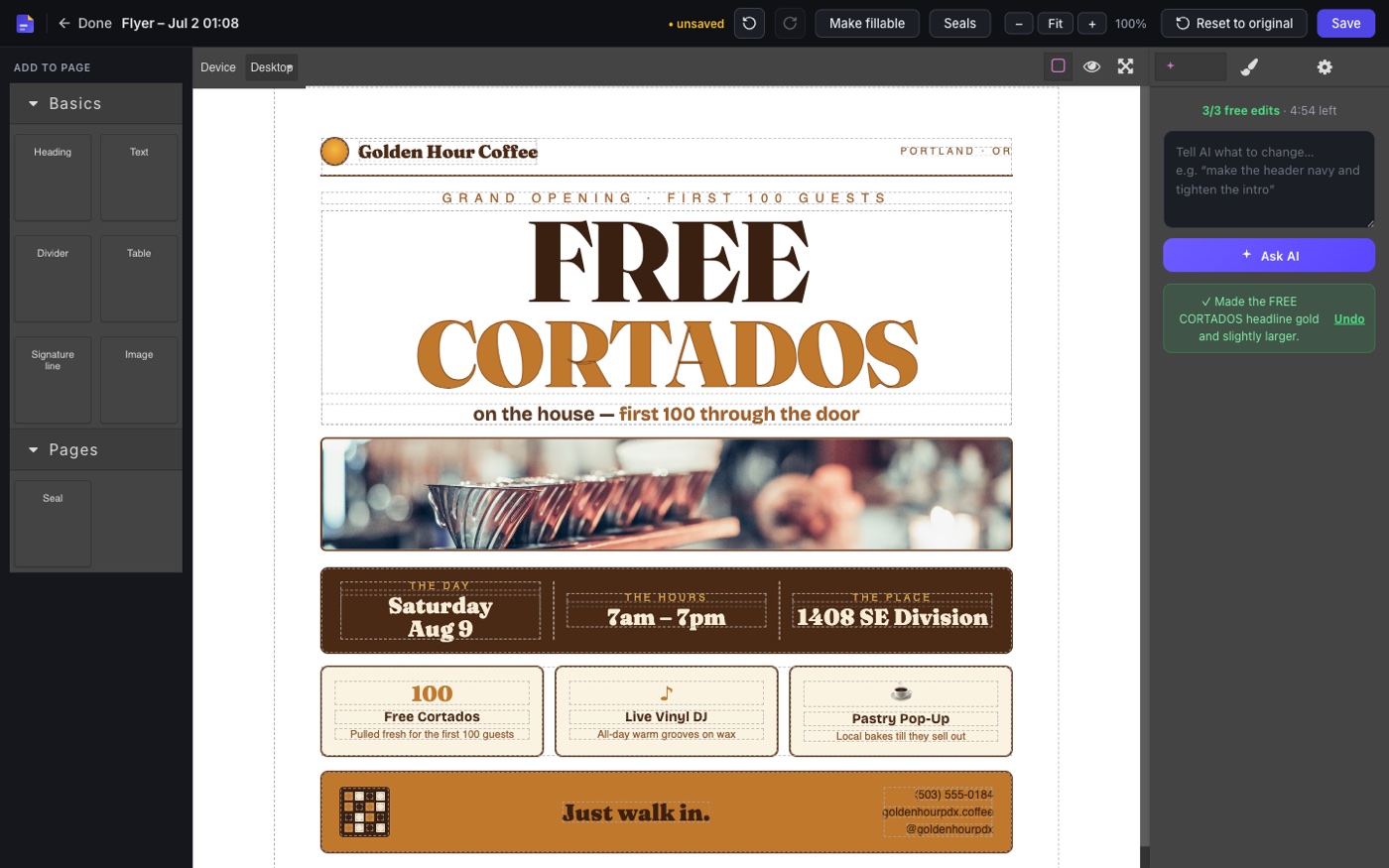
That distinction is the whole point. A fresh generation reinterprets your request from scratch, which is what you want on attempt one and exactly what you don't want on attempt five, when the document is 95% right. Ask AI is built for the last 5%.
What it costs, exactly
We kept the mechanic simple:
- Manual edits are always free. Every plan, no limits.
- Your first AI edit costs 1 credit — and it unlocks 3 free AI edits for the next 5 minutes.
- After you've used those three, or when the 5 minutes lapse, the next AI edit costs 1 credit and opens a fresh window.
- A full re-generation of the document costs a credit each time, same as before.
In practice, a polish session — bold this, reword that, add a line — costs one credit total, because the follow-up tweaks land inside the free window.
Every format gets an editor
Each format opens in an editor suited to it. Webpages get a builder where you can rearrange sections, swap images, and fix links — and if the page is published at your .ezdoc.site address, saved edits go live automatically. Slide decks open in a deck editor in the browser, and export as an editable PowerPoint (.pptx) so you can keep working in your own tools.
And if your starting point is an existing file rather than a prompt, the AI PDF editor takes a PDF in and hands you back a fully editable document — which then opens in this same editor.
Where this goes
The pattern we're converging on: AI does the expensive first draft, you stay in control of every detail after. The visual editor is the "you stay in control" half, and Ask AI is there for the edits that are faster to describe than to do.
Generate something and try it — click around first, then open the Ask AI tab and ask for the change you'd normally grumble about. Editing is free, so the experiment costs you nothing.