Connect EZdoc to 6,000+ Apps with Zapier — No Code Required
EZdoc is now on Zapier. Auto-generate invoices from Stripe, certificates from form submissions, proposals from CRM deals. Connect 6,000+ apps without code.
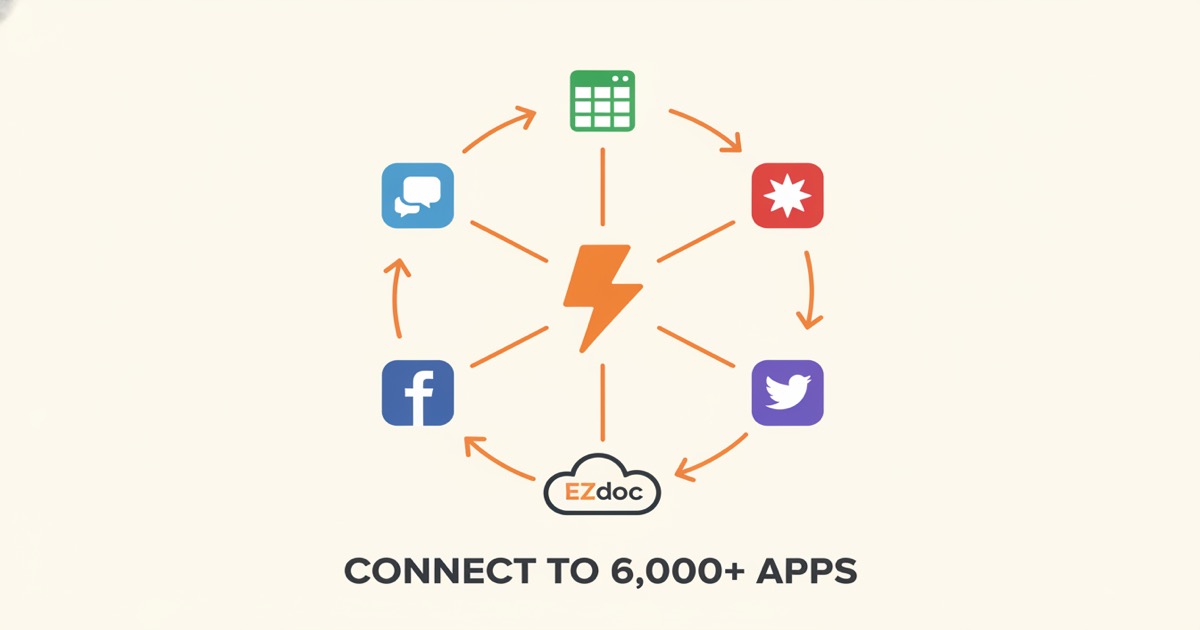
Connect EZdoc to 6,000+ Apps with Zapier -- No Code Required
Every time a new order comes in, you need an invoice. Every time someone fills out a form, you need a certificate. Every time a deal closes in your CRM, you need a proposal.
You're already doing this work. You're just doing it by hand, copy-pasting data into templates, exporting PDFs, and emailing them out. Over and over again.
Now those documents generate themselves.
How does it work?
EZdoc is now on Zapier. That means you can connect document generation to any of the 6,000+ apps Zapier supports, without writing a single line of code.
The setup follows the same pattern as any Zap:
- Pick a trigger -- a new Stripe payment, a Google Form submission, a new row in your spreadsheet, a closed deal in HubSpot. Whatever kicks off the need for a document.
- Connect EZdoc as the action -- select the template you want to use and map the trigger data to your template's placeholders.
- Turn it on -- every time the trigger fires, EZdoc generates a personalized PDF automatically.
You already have the templates. You already have the data flowing through your tools. Zapier just connects the two so you never have to touch it manually again.
3 Zaps you can build today
Stripe payment to auto-generated invoice
Trigger: New payment in Stripe.
Action: EZdoc generates an invoice PDF using the customer name, amount, line items, and date from the payment.
Result: Every paying customer gets a professional invoice generated the moment they pay. No manual step.
Google Form submission to auto-generated certificate
Trigger: New response in Google Forms.
Action: EZdoc generates a completion certificate using the participant's name, course title, and date from the form.
Result: Training sessions, workshops, and online courses get instant certificates delivered without anyone on your team lifting a finger.
HubSpot deal closed to auto-generated proposal
Trigger: Deal stage changes to "Closed Won" in HubSpot.
Action: EZdoc generates a proposal or agreement PDF using the deal name, contact info, and deal value.
Result: Your sales team closes the deal and the paperwork is already done.
These are starting points. If an app is on Zapier and your workflow produces data, you can turn that data into documents automatically.
Setting it up
It takes about five minutes.
- Search "EZdoc" in the Zapier app directory
- Connect your EZdoc account using your API key (grab it from ezdoc.app/settings)
- Choose "Generate Document" as your action
- Select the template you want to use
- Map the fields from your trigger to the template placeholders
- Test it, turn it on, walk away
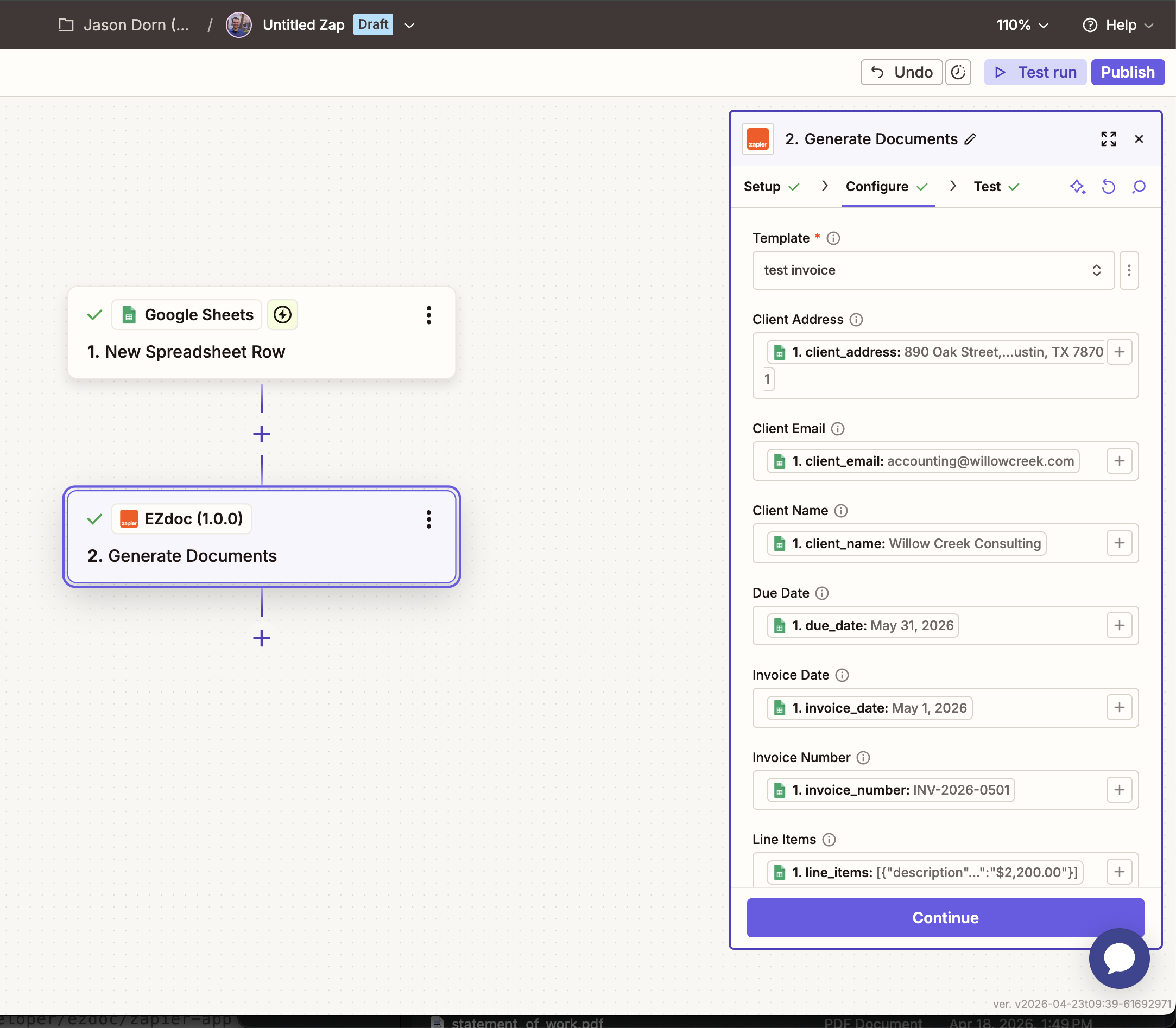
If you don't have a template yet, you can create one in 30 seconds using the AI Builder. Describe the document you need, and EZdoc designs a reusable template with smart placeholders ready for Zapier to fill.
Why automate document generation?
Here's some quick math.
Say you create 20 invoices per week. Each one takes about 5 minutes: open the template, paste in the client info, double-check the numbers, export the PDF, send it. That's 100 minutes per week. Over a year, that's roughly 86 hours spent generating invoices.
Automated with Zapier? Zero hours. The documents generate the moment the data exists.
| Manual | Automated |
|---|---|
| 20 invoices/week x 5 min = 100 min/week | 0 min/week |
| ~86 hours/year | 0 hours/year |
| Errors from copy-paste | Data pulled directly from source |
And it's not just time. Manual document creation introduces errors. A wrong name, a mistyped amount, an outdated template. Automation pulls data straight from the source, so what goes into your CRM is exactly what shows up on the document.
Get started
- Search "EZdoc" on Zapier
- Connect your API key from ezdoc.app/settings
- Pick a trigger, map your fields, and turn it on
Don't have an EZdoc account yet? Sign up free and get 25 pages per month to test the full workflow. Paid plans start at $19/month with every feature included.
-- Jason