EZdoc Now Connects to Google Sheets, Drive, Zapier, and HubSpot
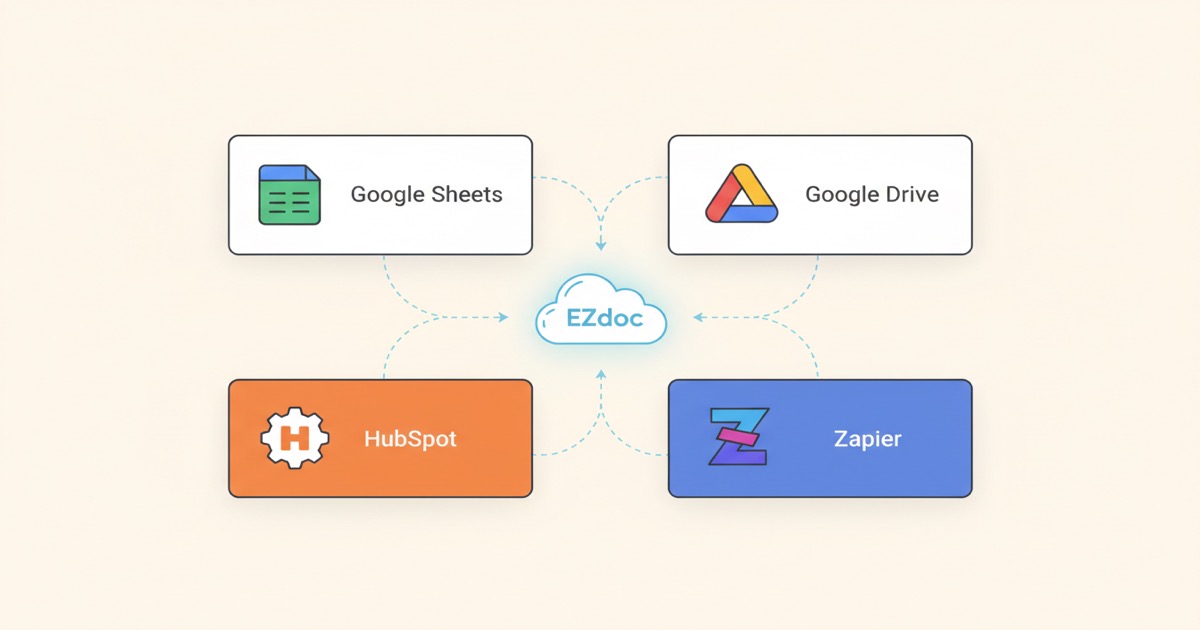
Four new integrations: Google Sheets for data import, Google Drive for PDF export, HubSpot CRM for contacts and deals, Zapier for 6,000+ app automation. All included on every paid plan.
EZdoc Now Connects to Google Sheets, Drive, Zapier, and HubSpot
Building documents shouldn't start with exporting a CSV.
That's been the reality for most document automation tools. You have data in a spreadsheet, a CRM, or a business app -- but to generate documents from it, you first have to export, reformat, upload, and then figure out the tool's template system.
We just shipped four integrations that eliminate that entire chain.
What's new
EZdoc now connects directly to the tools where your data already lives:
- Google Sheets -- import spreadsheet data for bulk document generation without exporting a CSV
- Google Drive -- export generated PDFs directly to your Drive folders
- HubSpot CRM -- pull contacts, deals, and companies from your CRM and generate documents from them
- Zapier -- connect EZdoc to 6,000+ apps and automate document generation on triggers
All four integrations are included on every paid plan. No add-ons, no extra charges.
Google Sheets + Google Drive
If your data lives in Google Workspace, documents now flow in a straight line.
Go to Bulk Generate, click the Google Sheets tab, pick a spreadsheet. Your data loads instantly -- no CSV export, no file download, no re-upload. Generate your documents, toggle Google Drive delivery, and the finished PDFs land in your Drive folder automatically.
The full loop: Sheets to EZdoc to Drive. No files to juggle.
Coming from another tool? Here's how connecting Google Sheets to PandaDoc compares — that path needs Zapier or the API; this one doesn't.
Zapier
Zapier turns EZdoc into an event-driven document engine.
New Stripe payment? Auto-generate an invoice. Form submission? Auto-generate a certificate. Deal closed in your CRM? Auto-generate a proposal.
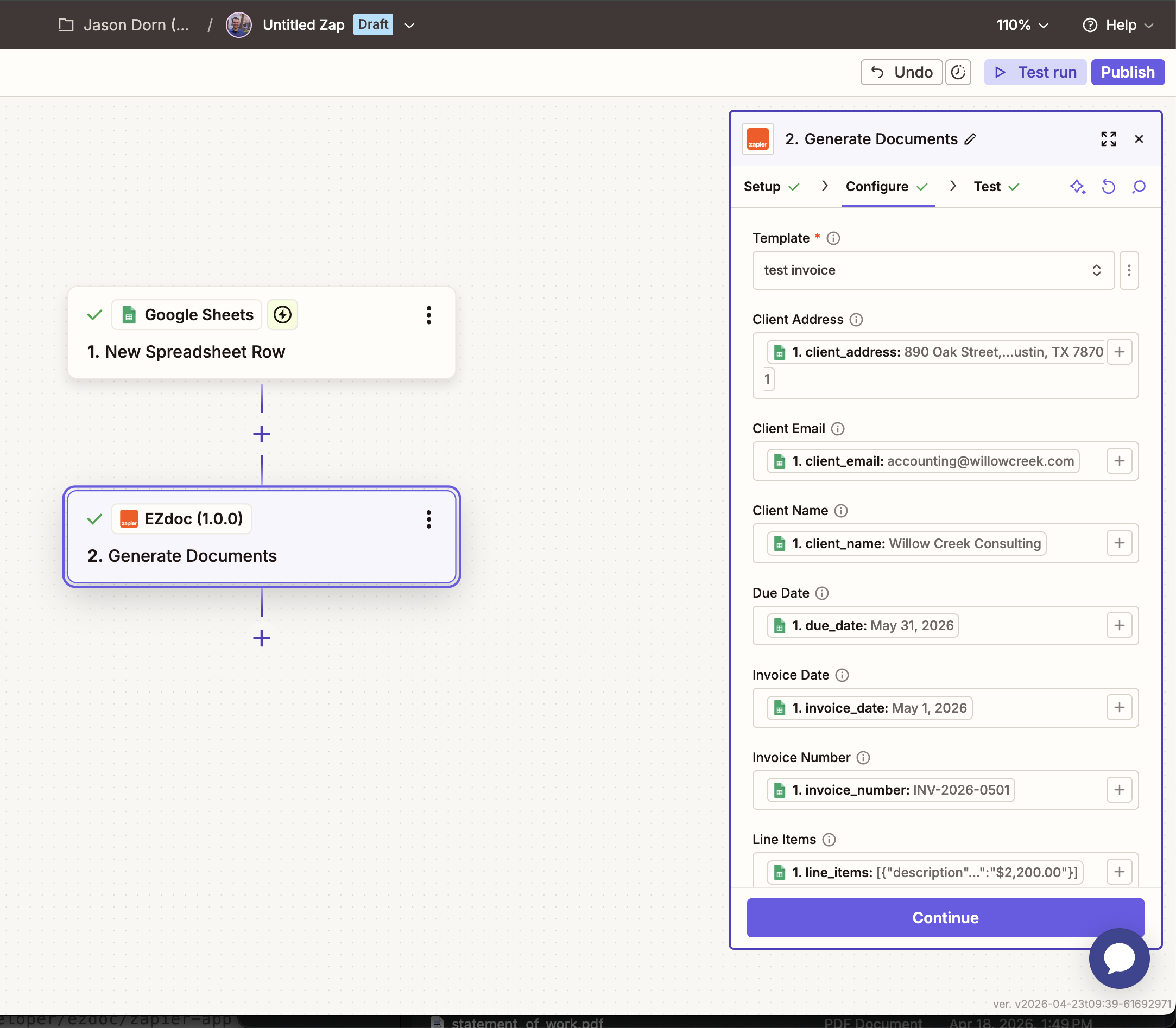
Search "EZdoc" in Zapier, connect your API key, pick a template, and map your trigger fields to template placeholders. Every time the trigger fires, a document generates automatically.
HubSpot CRM
Your CRM has everything you need to create proposals, invoices, and contracts. Now you can use that data directly.
Connect HubSpot from Settings, then on the Bulk Generate page, click the HubSpot tab. Choose contacts, deals, or companies. Select records. Your CRM data flows straight into your template placeholders.
50 deals closing this month? Generate 50 personalized proposals in one batch.
What this means for your workflow
Before these integrations, document generation was a multi-step process:
- Export data from your tool
- Clean up the CSV
- Upload to EZdoc
- Generate documents
- Download the ZIP
- Upload PDFs to where they need to go
Now it's:
- Connect your data source (one time)
- Generate documents
- They're already where they need to be
That's not incremental improvement. That's removing four steps from a six-step process.
What's next
We're working on native integrations for:
- Airtable -- import structured data from any Airtable base
- Notion -- generate documents from Notion databases
- QuickBooks -- pull invoices, customers, and items for document generation
And through Zapier, you can already connect EZdoc to thousands of other apps today -- Salesforce, Slack, Stripe, Typeform, Monday.com, and more.
Get started
Every integration is available on all paid plans starting at $19/month.
- Sign up free at ezdoc.app
- Go to Settings to connect Google, HubSpot, or grab your API key for Zapier
- Generate your first document from connected data
The gap between your data and your documents just got a lot smaller.
-- Jason