Why We Killed Feature-Gated Pricing
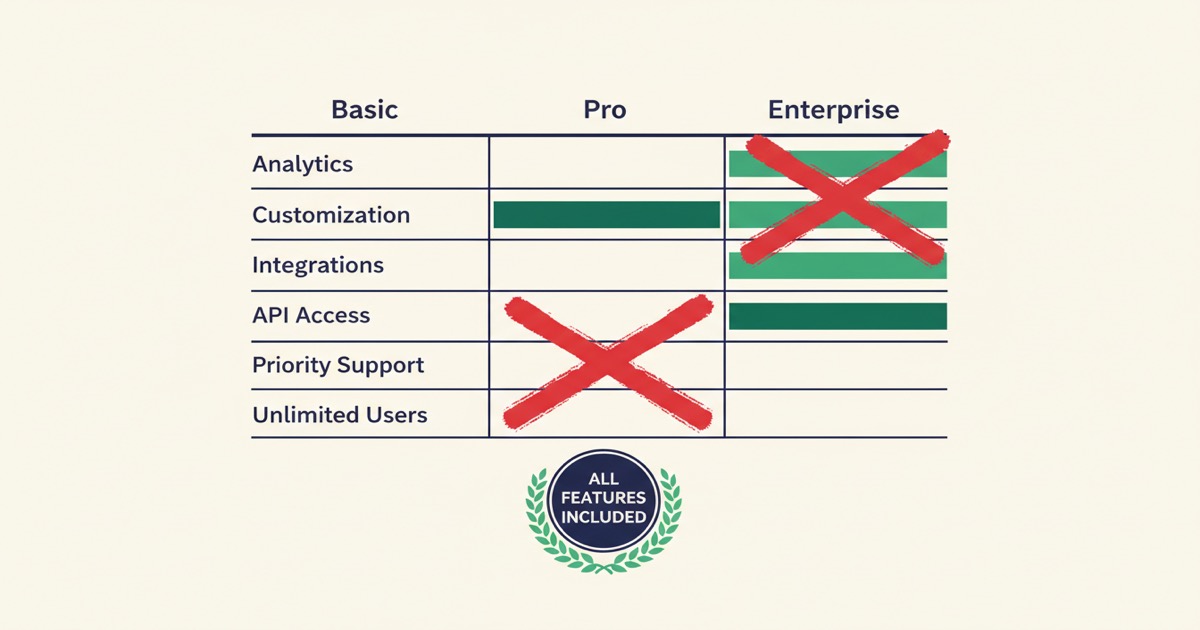
We had 5 plans that locked features behind paywalls. We scrapped them all. Here's why every EZdoc paid plan now includes everything — API, templates, integrations — starting at $19/mo.
Editor's note (June 2026): EZdoc has changed since this was published. You no longer upload Word/
.docxtemplates — you generate a template in EZdoc and it renders natively on our Liquid engine (we retired the old Jinja2/docxtplpath). See what changed →
I've been the person sitting at a desk at 11pm, copy-pasting names into a Word document one at a time. Changing the date. Changing the address. Saving as PDF. Doing it again. And again. For 200 documents.
I've also been the person who finally found a tool that could automate it — only to discover the features I actually needed were locked behind a pricing tier I couldn't justify. The basic plan let me generate documents, sure. But the API? That was a "premium" feature. Connecting to my spreadsheet app? Premium. Sending the documents automatically? Top tier.
I built EZdoc because I wanted the tool I couldn't find: powerful document automation that doesn't punish you for being small. And last week, we made a big change to make sure that's exactly what it is.
The short version:
- We replaced 5 feature-gated pricing tiers with 4 simple volume-based plans
- Every paid plan ($19/mo and up) now includes the full API (for connecting to other apps), smart templates, and all integrations
- Plans differ only by how many pages you generate per month
- Email delivery will be available as an affordable add-on, not locked behind an expensive tier
The problem I kept running into
Every document automation tool I tried followed the same playbook. The cheap plan showed just enough promise to get you started. Then the moment you needed something real — API access, conditional logic in templates, or the ability to send documents automatically — you hit a wall. "Upgrade to unlock this feature."
It wasn't that I needed more volume. I was generating maybe 100 documents a month. I needed the same tools larger companies use. I just didn't need the same scale. But product after product forced me to pay for scale in order to access the tools.
If you're a freelancer sending invoices, a small nonprofit generating donation receipts, or a one-person HR department producing offer letters — you need the same document automation capabilities as a 500-person company. You just need fewer of them.
What our old pricing looked like (and why it was wrong)
When we first launched EZdoc, we made the same mistake most SaaS companies make. We created five tiers:
- Free — basic generation
- Starter ($19/mo) — more pages, Google Sheets
- Plus ($49/mo) — API access
- Pro ($99/mo) — email delivery, custom domains
- Business ($199/mo) — webhooks, Zapier, team features
On paper, it looked logical. Each tier had a headline feature that justified the price jump.
But here's what it looked like from a customer's perspective:
"I'm a freelancer. I generate 200 invoices a month. I need the API so my billing system can trigger document generation automatically. But the API is on the $49 plan, and I don't need $49 worth of pages. I just need API access on the $19 plan."
We were charging more for capabilities, not for usage. And honestly, that didn't sit right with me.
When we looked closely, most of the so-called "premium" features — the API, webhooks, and conditional merge logic — cost us nothing extra to provide. We weren't gating them because they were expensive to run. We were gating them because that's what most SaaS companies do. That wasn't a good enough reason.
What competitors charge (and why it matters)
The document automation space is not cheap. Here's what you typically find when you start comparing options:
Docupilot starts at $29/mo — for just 100 documents. If you're generating a few hundred invoices a month, you're already looking at their $99/mo plan for 500 documents. That adds up fast.
DocuGenerate starts at $19/mo for 500 documents, which is closer to reasonable. But their templates only support basic merge tags — no conditional logic, no loops, no calculations. If your documents need any kind of intelligence, you're out of luck. (I wrote up a full EZdoc vs DocuGenerate comparison if you want the details.)
Docmosis starts at $49/mo, but it's developer-only — there's no web interface for non-technical users. You need to write code to use it.
CraftMyPDF and PDFMonkey are more affordable, but they require you to rebuild your documents in a proprietary editor or HTML. If you already have Word templates — or even Google Sheets documents you can export as DOCX — you can't use them directly. You'd have to start over. (More detail in my EZdoc vs CraftMyPDF comparison.)
That's a real problem for most people. You've already spent hours formatting your invoice template or contract in Word or Google Docs. You don't want to recreate it from scratch in someone else's drag-and-drop builder. You want to upload it and go.
Each product makes reasonable tradeoffs. But the pattern is the same: smaller customers get a limited experience, and the tools you actually need cost more than you'd expect.
What EZdoc pricing looks like now
We scrapped all five tiers and rebuilt from scratch. Now there are four plans, and every paid plan includes everything.
The only difference is volume.
| Plan | Price | Pages/month | Templates |
|---|---|---|---|
| Free | $0 | 25 | 3 |
| Starter | $19/mo | 1,000 | 10 |
| Growth | $49/mo | 5,000 | 25 |
| Scale | $99/mo | 20,000 | 50 |
Every paid plan includes:
- REST API — automate document generation from any app, CRM, or system you use
- Smart templates — IF/THEN rules, repeating sections for line items, 50+ formatting options, and built-in calculations
- CSV and XLSX upload — bring data from any spreadsheet
- Real-time progress — watch documents generate live
- ZIP download — retrieve all PDFs in one click
Free includes everything above too, with a 25-pages-per-month cap. You don't need to pay to access any feature — you pay when you need more volume.
As we ship new features — Google Sheets integration, Zapier workflows, webhook callbacks — every paid plan gets them automatically. No upsells. No upgrade prompts.
To put this in perspective: for the same $29/mo that Docupilot charges for 100 documents, you could be on our Growth plan with 5,000 pages and full API access. That's not a small difference.
A freelancer generating 100 invoices a month and an agency generating 15,000 get the exact same tools. They just choose the volume that fits their workflow.
Why volume-based pricing makes more sense
It's pretty straightforward: as a business grows, its document volume grows too. Price the volume, not the features. Feature walls don't help anyone grow. They just get in the way.
The upgrade conversation becomes simple. Instead of:
"I can't use the API unless I upgrade 2.5x."
It becomes:
"I'm generating more documents now, so moving to the next plan makes sense."
Upgrading should feel like progress, not a shakedown. "I need more capacity" is a much better reason to pay more than "I need to unlock a feature that costs you nothing to provide."
And here's something I've noticed: happy users on small plans become your best word-of-mouth. A freelancer on Starter who has full access isn't a low-value customer — they're someone who tells every agency they work with. Give people the full toolkit and they'll tell their friends.
What about email delivery?
Email delivery and custom sending domains are the only pieces we're offering as add-ons:
- Email Delivery (+$9/mo) — include an
_email_tocolumn in your CSV and we'll send each PDF automatically - Custom Email Domain (+$29/mo) — send from
invoices@yourcompany.cominstead of our default domain
These aren't gated features — they have real infrastructure costs, and not every user needs them. Someone generating internal contracts may never send automated emails. Someone sending 500 invoices probably will.
Add-ons keep the base plans simple while letting customers pay for usage where real costs exist.
Both add-ons work on any paid plan. A Starter customer can add email delivery for $28/mo total.
This is personal
I didn't build EZdoc because I saw a pricing opportunity on a spreadsheet. I built it because I spent hundreds of hours doing work a computer should have been doing for me.
And when I looked for tools, everything was either too expensive, too limited, or artificially restricted on the plans I could afford. One tool wanted $29/mo for 100 documents. Another had great features but forced me to rebuild my templates in their proprietary editor. Another was API-only — I'd need to write code just to generate a PDF.
Small businesses, freelancers, nonprofits, one-person departments — these are the people who benefit most from automation and often have the least room in the budget. You shouldn't need to pay enterprise prices, learn a proprietary tool, or hire a developer just to turn a spreadsheet into a stack of PDFs.
That's why we removed feature gating. A $19/mo plan gets the same API, the same template capabilities, and the same automation power as a $99/mo plan.
Because the freelancer sending 200 invoices deserves the same tools as the agency sending 20,000.
FAQ
Do I get API access on the free plan?
No. The free plan is intended for testing templates and workflows. Automation features (API, integrations, webhooks) are included on every paid plan starting at $19/mo. Free users can still generate up to 25 pages using the full template engine through the web interface.
What happens when I hit my page limit?
Generation pauses until your billing cycle resets or you upgrade. We don't charge surprise overages. Moving from Starter to Growth increases page capacity 5x for $30 more.
Can I downgrade if my volume drops?
Yes. You can switch plans anytime from your billing page. Downgrades to lower paid tiers take effect immediately with prorated billing. Downgrades to Free take effect at the end of the billing period.
Why use Word templates instead of a visual editor like CraftMyPDF?
Because you probably already have Word templates. Every business has contracts, invoices, or letters formatted in Word or Google Docs. With EZdoc, you upload what you already have — formatting, headers, logos, everything preserved. With a visual editor, you'd rebuild every document from scratch in someone else's tool. We'd rather meet you where you are.
How does EZdoc compare to free mail merge tools?
Free mail merge tools handle basic text replacement (name, address, date). EZdoc supports real Word templates with conditional logic, loops, calculations, and 50+ filters, then generates production-ready PDFs.
If you need more than simple text substitution, try the free tier — 25 pages, no credit card required.
No gates. No gotchas. Just documents.
If you've ever found a tool that looked perfect on the pricing page — only to discover the feature you actually needed required an expensive upgrade — I know how frustrating that feels.
Try EZdoc for free. 25 pages, 3 templates, full template logic.
If you upgrade, you get everything.
Same tools whether you're a one-person shop or a growing team.
— Jason