EZdoc vs CraftMyPDF: Word Templates vs Visual Editors
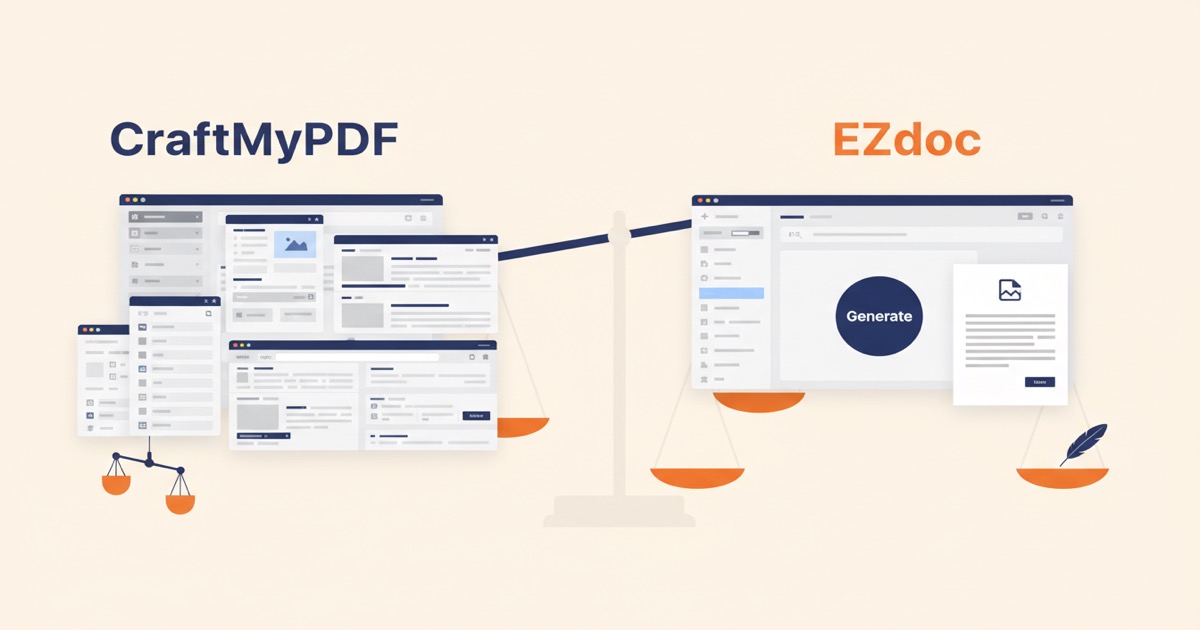
EZdoc uses real Word templates while CraftMyPDF relies on a proprietary editor. With most businesses already using Word, that difference changes everything.
Editor's note (June 2026): EZdoc has changed since this was published. You no longer upload Word/
.docxtemplates — you generate a template in EZdoc and it renders natively on our Liquid engine (we retired the old Jinja2/docxtplpath). See what changed →
Most businesses don't need another editor. They need the documents they already have to work harder. According to a Statista workplace software survey, Microsoft Office holds roughly 46% of the global productivity software market, with Google Workspace capturing another 25%. That means the majority of companies already have Word documents or Google Docs they use for invoices, contracts, and certificates.
So when it comes to generating PDFs at scale, the real question isn't which tool has the fanciest editor. It's whether you can use the templates you already own.
That's the core difference between EZdoc and CraftMyPDF. One lets you upload your existing Word files. The other asks you to rebuild everything from scratch.
Key Takeaways
- EZdoc accepts real .docx templates; CraftMyPDF requires rebuilding in a proprietary editor
- EZdoc starts at $19/mo for 1,000 pages vs CraftMyPDF's $29/mo for 1,200 PDFs
- Jinja2 templating is an industry standard used across Python, Ansible, Flask, and thousands of production systems
- CraftMyPDF wins on integrations (live Zapier/Make) and whitelabel embedding
What's the core difference between EZdoc and CraftMyPDF?
EZdoc and CraftMyPDF solve the same problem, generating PDFs from dynamic data, but they take fundamentally different approaches.
EZdoc uses real Word templates. You upload a .docx file you already have, add Jinja2 placeholders like {{ client_name }} or {{ invoice_total }}, and upload a CSV. EZdoc fills in the data and generates PDFs.
CraftMyPDF uses a proprietary drag-and-drop editor. You design templates inside their web-based tool. You can't upload an existing Word document. Every template starts from zero in their system.
I built EZdoc specifically because I was tired of rebuilding templates I already had in other tools. When you've spent hours perfecting a contract layout in Word, the last thing you want is to recreate it pixel by pixel in someone else's editor.
Why does this matter? If you have five invoice templates, ten contract templates, and a dozen certificate designs already in Word or Google Docs, EZdoc lets you upload them today. With CraftMyPDF, you're looking at days of rebuilding.
How does template logic compare?
EZdoc uses Jinja2, an open-source templating engine trusted across the software industry. You get IF/THEN conditionals, loops, 50+ built-in filters, and inline calculations directly inside your Word document. (For a hands-on walkthrough of these features, see our CSV to PDF tutorial.)
What can Jinja2 do inside a Word template?
Here's what's possible without writing a single line of code outside your .docx file:
- Conditionals:
{% if payment_status == "overdue" %}to show late payment warnings only when relevant - Loops:
{% for item in line_items %}to repeat table rows for each product or service - Filters:
{{ amount | round(2) }}or{{ name | upper }}for formatting - Calculations:
{{ quantity * unit_price }}for computed fields
CraftMyPDF offers its own expression syntax for conditionals and loops. It works, but it's proprietary. Skills you learn in CraftMyPDF's editor don't transfer anywhere else. Jinja2 skills transfer to Python, Ansible, Flask, Django, and dozens of other tools.
This portability matters more than most people realize. When your operations team learns Jinja2 for document templates, they've also learned the same syntax used in DevOps automation, email templating, and data pipelines. That's a compounding skill, not a dead-end one.
How do data inputs work?
Most businesses store their data in spreadsheets. Even teams with sophisticated CRMs or internal tools tend to export to Excel or Google Sheets whenever they need to share data with someone else or run a one-off report. So when you're picking a document generator, the data input method matters enormously for everyday usability.
EZdoc: CSV and XLSX direct upload
You export your data from Excel, Google Sheets, or any other tool as a CSV or XLSX file. Upload it to EZdoc. Each row becomes one document. That's it.
No data transformation. No JSON formatting. No developer needed.
CraftMyPDF: JSON-only input
CraftMyPDF requires data in JSON format. For developers building integrations, this is standard. For an office manager who needs to generate 200 certificates from a spreadsheet, it's a wall.
Converting a spreadsheet to JSON isn't rocket science. But it's friction. And friction kills adoption, especially when the person generating documents isn't a developer.
What does each tool cost?
Both EZdoc and CraftMyPDF are priced for small businesses, but the gap between them is meaningful.
| Feature | EZdoc Starter | CraftMyPDF Lite |
|---|---|---|
| Monthly price | $19/mo | $29/mo |
| Volume included | 1,000 pages | 1,200 PDFs |
| Free tier | 25 pages/mo | 50 PDFs/mo |
| Template format | Word (.docx) | Proprietary editor |
| Data input | CSV, XLSX | JSON |
| REST API | Included | Included |
EZdoc is $10/mo cheaper at the entry level. The volume difference is slight: 1,000 pages vs 1,200 PDFs. But notice the measurement difference. EZdoc counts pages, not documents. A 3-page contract counts as 3 pages. CraftMyPDF counts documents, so a 3-page contract counts as 1 PDF.
Which metric works better for you depends on what you're generating. Single-page certificates favor EZdoc's pricing. Multi-page contracts might favor CraftMyPDF's per-document model. EZdoc also doesn't gate any features behind higher tiers — every paid plan includes the full API, templates, and integrations, which is the opposite of what most competitors do.
Where does CraftMyPDF win?
Honest comparisons build trust, and CraftMyPDF genuinely does several things well.
Live integrations
CraftMyPDF already has working Zapier and Make.com integrations. You can trigger PDF generation from hundreds of other apps without writing code. EZdoc is building these (REST API is live, Zapier and Google Sheets addon are coming), but they aren't shipping yet.
If you need Zapier today, CraftMyPDF has the edge.
Visual editor for starting from scratch
Not everyone has existing templates. If you're designing documents for the first time and you want a drag-and-drop experience, CraftMyPDF's visual editor is genuinely good. You can see your layout in real time, drag elements around, and preview with sample data.
Image generation
CraftMyPDF generates images in addition to PDFs. If you need social media graphics, certificates in PNG format, or other image outputs, that's a capability EZdoc doesn't offer.
Whitelabel editor
For developers embedding document generation into their own products, CraftMyPDF offers a whitelabel version of their editor. This is a strong feature for SaaS companies that want to let their users design templates inside their platform.
We've talked with dozens of potential users during EZdoc's development. The split is consistent: about 70% already have Word templates they want to use as-is, and 30% want to build from scratch. CraftMyPDF serves that 30% well.
Where does EZdoc win?
For teams with existing documents, EZdoc eliminates the biggest bottleneck in document automation: template migration.
Real Word templates
This is the headline advantage. Upload your .docx file. Add placeholders. Done. No migration, no rebuilding, no learning a new editor. Your formatting, fonts, logos, headers, and page layouts come through exactly as designed.
Google Docs users get the same benefit. Export as .docx, upload to EZdoc, and you're generating PDFs.
CSV/XLSX direct upload
Your team already has the data in a spreadsheet. EZdoc works with that directly. No JSON conversion, no API integration required for basic use. Upload a template, upload a CSV, download your PDFs.
Industry-standard templating
Jinja2 isn't proprietary. It's the same engine behind Ansible, Flask, and thousands of production systems. When you invest time learning Jinja2 syntax for EZdoc, you're building a skill that works across the entire software ecosystem.
Lower entry price
At $19/mo vs $29/mo, EZdoc is 34% cheaper at the entry level. For small businesses and freelancers generating documents monthly, that difference adds up.
Which tool should you choose?
The right choice depends on what you already have and how you work.
Choose EZdoc if:
- You already have Word or Google Docs templates
- Your team uses spreadsheets (CSV/XLSX) for data
- You want an industry-standard templating language
- Budget matters and $19/mo beats $29/mo
- You don't want vendor lock-in on your template format
Choose CraftMyPDF if:
- You're building templates from scratch with no existing files
- You need Zapier or Make.com integrations right now
- You want image generation alongside PDFs
- You're a developer embedding PDF generation into your own product
- You need template versioning for compliance workflows
Both tools generate quality PDFs. The question is whether your starting point is existing Word documents or a blank canvas.
FAQ
Can I import Word templates into CraftMyPDF?
No. CraftMyPDF uses a proprietary visual editor exclusively. According to their documentation, there is no Word or .docx import feature. You must recreate templates manually in their drag-and-drop builder. EZdoc accepts .docx uploads directly, preserving your original formatting and layout.
Does EZdoc support JSON data input like CraftMyPDF?
EZdoc currently supports CSV and XLSX file uploads for data input. JSON input via the REST API is available on paid plans. For most business users, CSV is simpler.
Is Jinja2 hard to learn if I'm not a developer?
Jinja2's basic syntax is straightforward. Writing {{ customer_name }} to insert a name or {% if total > 1000 %} for a conditional requires no programming background. Most non-technical users we've worked with learn the basics in under 30 minutes. The syntax is closer to writing a mail merge formula than writing code.
Will EZdoc add Zapier and Make.com integrations?
Yes. EZdoc's REST API is live on all paid plans, and native Zapier and Google Sheets integrations are actively in development. Both are on the near-term roadmap.
Can I use Google Docs templates with EZdoc?
Yes. Export your Google Doc as a .docx file (File > Download > Microsoft Word), then upload it to EZdoc. Your formatting, fonts, and layout transfer over. A dedicated Google Sheets addon that lets you generate documents directly from Sheets is also in development.
Try EZdoc free
If you already have Word or Google Docs templates, EZdoc removes the biggest friction in document automation. No rebuilding, no proprietary editor, no JSON wrangling.
Try EZdoc free — 25 pages/month, no credit card required.
See also: EZdoc vs DocuGenerate for the other direct comparison, or why we killed feature-gated pricing for the full story on EZdoc's pricing model.
— Jason