AI Document Generation: Create Any Professional Document in Seconds
AI document generation creates custom-designed PDFs from a text description in 30 seconds. 120+ document types, free to try, no design skills needed.
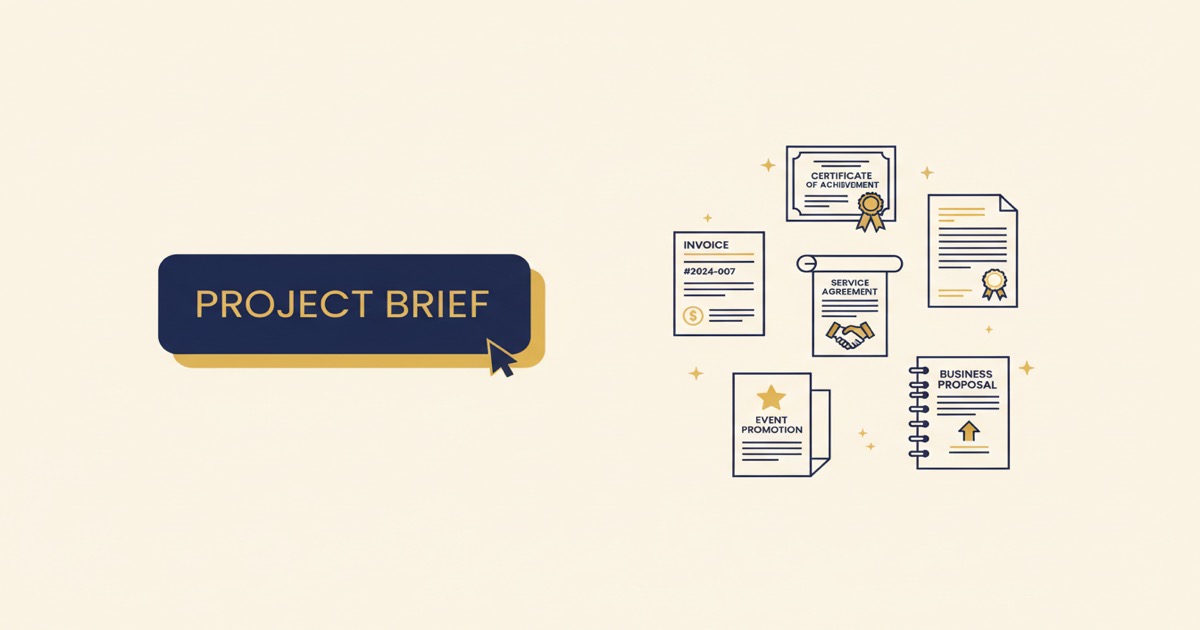
Two years ago, if you needed a professional-looking invoice, certificate, or flyer, you had two options: spend an hour formatting it yourself, or pay someone else to do it. Templates helped, but they all looked the same, and customizing them still took real time.
AI document generation changes the equation entirely. You describe what you need in plain text, and a finished, professionally designed PDF comes back in about 30 seconds. Not a template you still need to fill in. Not a rough draft you need to polish. A finished document, ready to download, print, or send.
This guide covers what AI document generation actually is, what you can create with it, and how to get the best results.
Key Takeaways
- AI document generation creates a custom design from a text description, not a pre-made template
- EZdoc supports 120+ document types: invoices, resumes, certificates, contracts, flyers, and more
- Edit and refine results with plain English, or upload an existing document for redesign
- Free tier includes 3 free AI generations (lifetime) to get you started
What Is AI Document Generation?
AI document generation means describing a document in natural language and receiving a finished, designed PDF in return. It's not a template you select and fill in. The AI creates the entire layout, typography, color palette, and visual hierarchy from scratch, based on your description.
Think of it as the difference between picking a pre-made meal from a menu and telling a chef what you're in the mood for. The template approach gives you fixed options. The AI approach gives you something built specifically for your needs.
A prompt like this:
"Professional invoice for a web design studio called Pixel & Frame. Client: Horizon Realty Group. Line items: Homepage redesign ($4,500), Interior page templates x5 ($2,000), Mobile responsive testing ($800), Content migration ($1,200). Net 30 payment terms. Clean modern design with a dark header."
Produces a complete invoice with proper formatting, calculated totals, professional typography, and a layout that looks like a designer made it. Not a generic template with your text dropped in. A custom document designed around your specific content.
The whole process takes less than a minute from description to download.
What Types of Documents Can You Create?
The short answer: over 120 types, and growing. Here's the full list, organized by category.
Business and Finance
- Invoices, receipts, quotes, estimates
- Purchase orders, expense reports
- Credit notes, proforma invoices
Contracts and Legal
- Service contracts, consulting agreements
- NDAs (mutual and one-way)
- Business proposals, statements of work
- Lease agreements, non-compete agreements
- Waivers and release forms
HR and Employment
- Resumes, cover letters
- Offer letters, promotion letters
- Recommendation letters, recognition letters
- Termination letters, warning letters
Certificates and Awards
- Course completion certificates
- Achievement and award certificates
- Diplomas, attendance certificates
Marketing and Events
- Flyers, brochures, menus
- Event invitations, event tickets
- Name badges, announcements
Letters and Communications
- Business letters, memos
- Press releases, announcements
Reports
- Business reports, meeting minutes
Healthcare and Education
- Treatment plans, patient intake forms
- Lesson plans, report cards
- Academic transcripts, permission slips
Browse real examples of every document type in the showcase. Each example was generated from a text description, no design skills required.
How Do You Get the Best Results?
The quality of your output directly depends on the quality of your description. You don't need to be a writer. You just need to be specific about what you want. Here are the things that make the biggest difference.
Include All the Real Content
Don't write "add line items here." Write the actual line items. Don't write "include contact info." Write the phone number, email, and address. The more real content you provide, the less filler the AI needs to generate, and the closer the result is to something you can use immediately.
Mention a Visual Style
You don't need design vocabulary. Plain descriptions work. "Clean and modern." "Dark and professional." "Warm and friendly with soft colors." "Bold with a lot of contrast." "Elegant with serif fonts." The AI translates your intent into specific design choices.
Specify the Audience
A resume for a senior finance role should look different from a resume for a junior graphic designer. An invoice for a law firm should look different from an invoice for a tattoo studio. When you mention who the document is for, the AI adjusts the tone and design accordingly.
Be Direct About Requirements
If there's something you definitely want included (or excluded), say so. "Include a payment terms section at the bottom." "No decorative borders." "Two-column layout." "Keep it to one page." Clear requirements get clear results.
Can You Edit Documents After Generating?
Every generated document can be refined with plain English instructions. After your initial generation, you can say things like:
- "Make the header smaller"
- "Change the accent color to navy blue"
- "Add a notes section at the bottom"
- "Move the logo to the right side"
- "Remove the decorative border"
Each refinement is nearly instant. You're essentially having a conversation with a designer. No clicking, no dragging, no formatting menus.
You can also upload an existing document and ask the AI to redesign it. Have a resume that's fine on content but ugly? Upload it, say "redesign with modern typography and a clean two-column layout," and get a fresh version almost immediately.
Who Uses AI Document Generation?
The honest answer: anyone who creates documents but isn't a designer. In practice, we see a few groups getting the most value.
Freelancers and Solo Professionals
You're a one-person show. You need invoices, proposals, contracts, and occasionally a flyer or brochure. You don't have a designer on staff, and you don't want to spend $50-100 per document on Fiverr. AI generation gives you designer-quality output for the cost of a coffee.
Small Business Owners
According to a SCORE/SBA study (2024), small business owners wear an average of 4-5 different hats. Marketing, sales, HR, accounting, and operations often fall on the same person. AI document generation means you don't need a design hat too. Describe what you need and move on.
HR and People Ops Teams
Offer letters, promotion letters, certificates, recognition awards. These are documents that need to look polished but follow a predictable pattern. Instead of maintaining a folder of Word templates, describe each document as you need it and get something that looks like your company hired a designer.
Educators and Trainers
Certificates, lesson plans, report cards, permission slips. Teachers and trainers deal with a constant stream of documents that need to look professional but don't justify spending an hour in a design tool.
Event Organizers
Invitations, tickets, programs, name badges, thank-you letters. Events generate a stack of documents in a short window. AI generation handles the whole stack in minutes rather than days.
When Should You Use Something Else?
AI document generation works best for standard business documents. For highly brand-specific designs with exact Pantone colors, complex multi-page reports with charts, or documents requiring legal review, you may still want a designer or lawyer. The AI produces professional layouts quickly, but it's not a substitute for specialized expertise when the stakes are high.
How Much Does It Cost?
Free tier: 3 free AI generations (lifetime), no credit card required. Sign up here to get started.
Credit packs: One-time purchases, no subscription. Buy 4 generations for $5, 10 for $11, or 25 for $23. Credits never expire. This is the best option if you need documents occasionally but not every month. Buy credit packs here.
Monthly plans: Starting at $19/month. Best for businesses generating documents regularly. Includes daily AI generations plus batch document processing, API access, and template storage. See all plans.
No watermarks on any tier. Every document you generate is yours to use however you want.
FAQ
Is this different from a document template?
Completely different. A template is a fixed layout that you fill in with your data. AI document generation creates a unique layout based entirely on your description. The design, typography, colors, and structure are all generated to fit your specific content and preferences. Templates give you one fixed option. AI gives you infinite options.
Can I create documents in languages other than English?
Absolutely. Write your description in whatever language you want the document in. The AI generates content in the language you provide. Spanish, French, Portuguese, German, Japanese, Arabic, and many others all work.
What format are the documents?
All generated documents are PDFs. They're print-ready, email-ready, and work on any device. No proprietary formats, no special software needed to view them.
Can I generate documents from a spreadsheet?
EZdoc fully supports batch document generation. Upload a CSV or Excel file with your data, select (or create) a template, and generate hundreds or thousands of personalized documents at once. See our batch generation guide for the full walkthrough.
How long does generation take?
About 30-45 seconds for most documents. Complex documents with many sections or detailed requirements may take slightly longer. You'll see a progress indicator while the AI works.
Try It Right Now
The fastest way to understand AI document generation is to try it. Sign up for free (takes 30 seconds, no credit card), open the AI Builder, and describe any document you need.
Three free generations. No strings. If the result is better than what you'd make manually in an hour, you'll know whether this is useful for you. And if you want to see what's possible before creating an account, browse real examples across every document type.
For specific document types, check out our detailed guides: free invoice templates, AI resume generation, and how to make a flyer.
- Jason